Subject and action
The main person, object, product, animal, building, or scene, including visible pose, expression, action, clothing, and defining features.
Original Image
Generated Prompt
Recreated Image
Upload a photo, illustration, or AI artwork and turn its subject, composition, lighting, colors, and style into an editable prompt.
Turn any photo, illustration, product image, character design, or AI artwork into a detailed prompt with Vizmuse. Upload an image and let the image to prompt generator analyze its subject, composition, lighting, colors, camera perspective, materials, mood, and visual style.
Use the generated prompt to recreate a similar visual, understand how an image is constructed, or start a new creative direction in your preferred AI image model. Copy the result, refine individual details, or send it directly to the Vizmuse AI Image Generator.
After converting your image into a prompt and generating a new creation, polish the final output using our all-in-one AI Photo Editor.
 Original
Premium amber glass skincare bottle on pale limestone, centered commercial composition, soft directional window light, gentle shadow falloff, warm neutral palette, crisp label focus, subtle stone texture, editorial product photography.
 Result
Original → Prompt → Result
Writing a useful AI image prompt from scratch can be difficult, especially when the reference contains subtle lighting, an unusual camera angle, complex materials, or a distinctive artistic style. Vizmuse breaks the image into practical visual elements and turns them into an editable description.
Instead of returning a generic caption such as “a woman standing in a city,” the tool can describe the subject, clothing, pose, environment, framing, depth of field, color palette, lighting direction, atmosphere, and rendering style. You remain in control: keep the useful details, remove anything unnecessary, and adjust the prompt before generating a new image.
Original Image
Reference
Generated Prompt
Editable details
Recreated Image
New direction
Choose a JPG, PNG, or WebP image from your device. Clear images with a visible subject usually produce more specific prompts. You can use photos, illustrations, screenshots, concept art, product visuals, architecture, interiors, or AI-generated artwork.
Select the output that fits your workflow. Use a natural-language prompt for general image generators, a structured prompt for greater control, or a concise prompt when you only need the main visual idea. When available, choose a target model so Vizmuse can organize the prompt in a format suited to that model’s prompting style.
Vizmuse analyzes the image and produces an editable prompt. Review important elements such as the main subject, setting, camera position, lighting, colors, style, and composition. AI analysis is interpretive, so correct any detail that does not match your intent.
Copy the prompt to another tool, rewrite individual sections, or open it in the Vizmuse AI Image Generator. Generate a new visual, compare it with the original reference, and continue refining the prompt until the result moves in the direction you want.
The main person, object, product, animal, building, or scene, including visible pose, expression, action, clothing, and defining features.
Close-up, portrait, full-body, top-down, wide shot, centered layout, negative space, symmetry, foreground and background relationships.
Natural light, studio lighting, rim light, soft shadows, golden hour, neon glow, cinematic contrast, or other visible lighting characteristics.
Dominant colors, saturation, temperature, contrast, weather, time of day, and emotional mood.
Approximate viewing angle, framing, depth of field, focus, perspective, and photographic treatment.
Photography, illustration, anime, 3D render, watercolor, oil painting, editorial design, concept art, cinematic still, or another identifiable direction.
Fabric, glass, metal, wood, skin, paper, stone, reflections, grain, brushwork, and other surface details.
Study how a reference image communicates through composition, lighting, color, and style. The generated prompt gives you a practical starting point instead of forcing you to describe every detail manually.
Use the extracted prompt to reproduce the overall direction of a reference while changing the subject, setting, palette, or format. The goal is not an exact duplicate, but a reusable description of the visual characteristics.
Compare the uploaded image with the generated description to understand which details influence an AI result. This is useful for creators who are still learning photography, design, and image-generation terminology.
Vizmuse does more than extract text. Send the prompt into image generation, edit the generated result, create variations, or use the final image as the starting point for an AI video.
Extract the composition and style of an AI image, then modify the prompt to create a new variation.
Analyze lighting, background, camera angle, and material treatment from a commercial reference.
Convert a character reference into a structured description covering appearance, clothing, pose, and environment.
Identify room style, materials, lighting, furniture arrangement, and perspective.
Study visual hooks, color contrast, subject placement, and negative space for headlines or calls to action.
Translate a photograph into camera, lighting, composition, and atmosphere language that can guide a future shoot or generation.
Original / Prompt / Result
Each pair shows how a reference image becomes an editable prompt, then how one prompt detail changes the generated result while the useful visual direction stays intact.
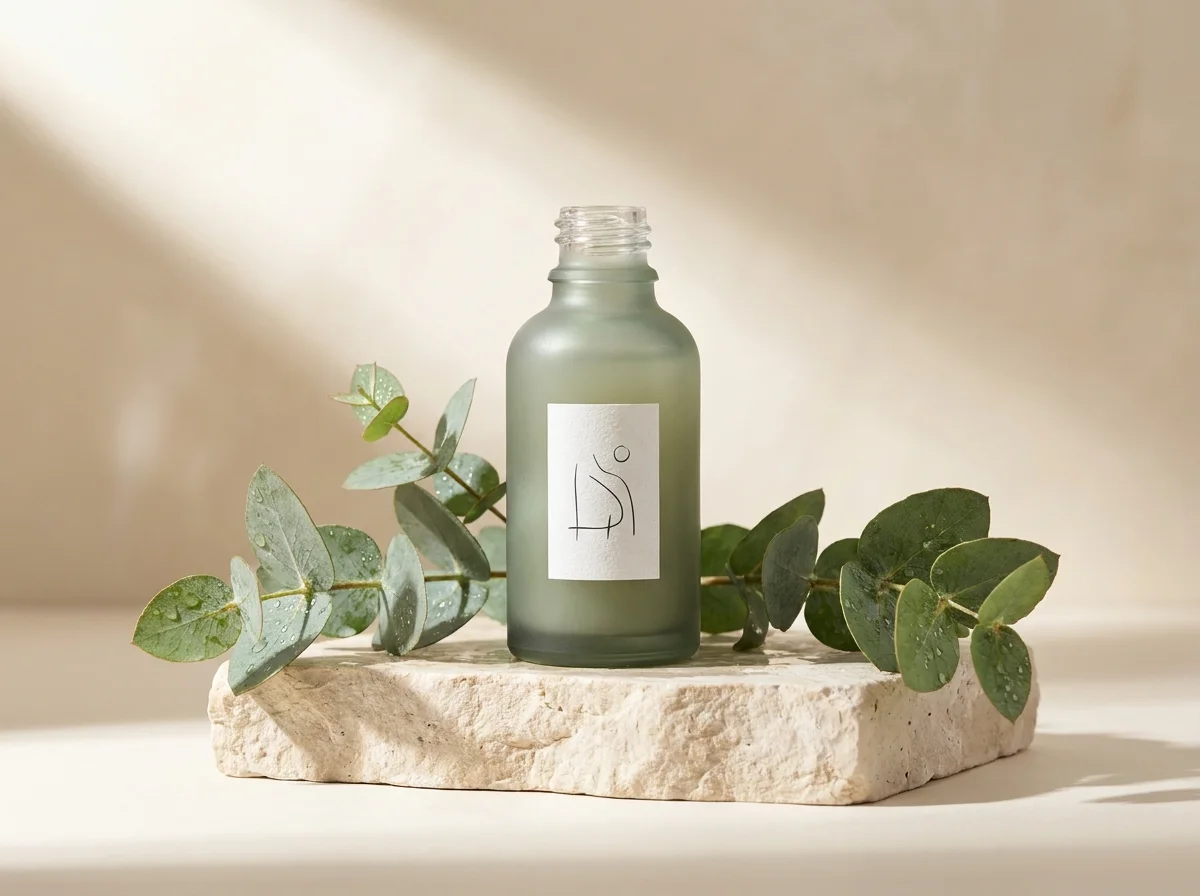
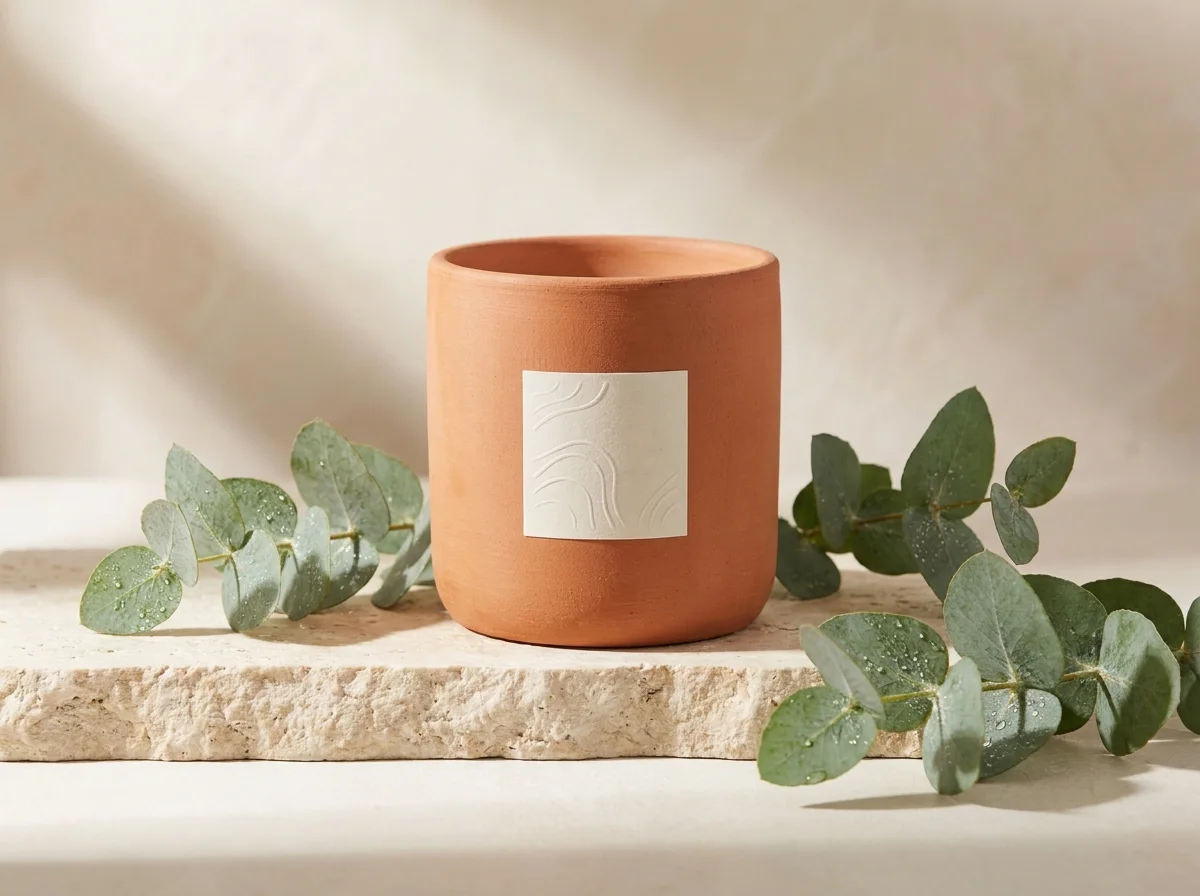
Original ImageRecreated ImageThe extracted prompt keeps the lighting, stone surface, eucalyptus styling, and commercial framing while swapping the serum bottle for a ceramic candle.
Premium amber glass skincare bottle on pale limestone, centered commercial composition, soft directional window light, gentle shadow falloff, warm neutral palette, crisp label focus, subtle stone texture, editorial product photography.
 Original Image
 Recreated Image
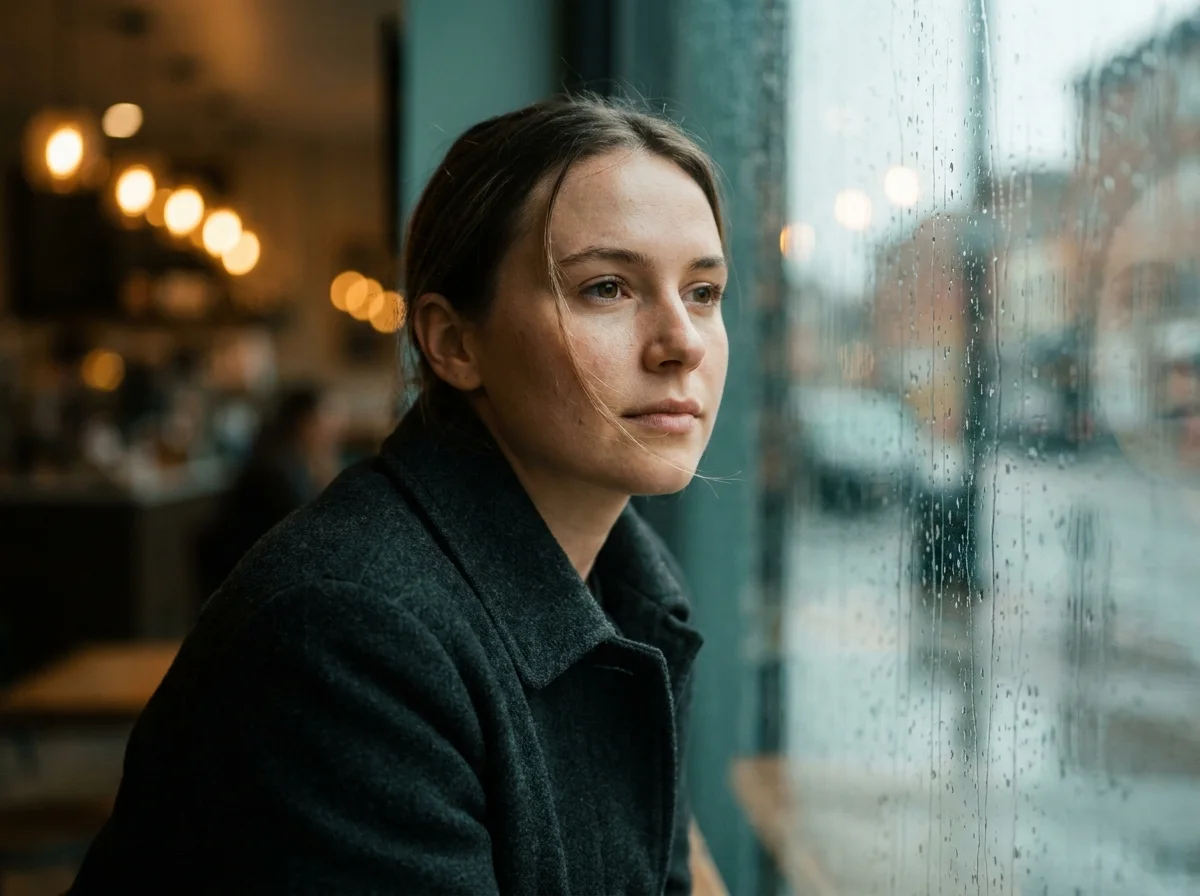
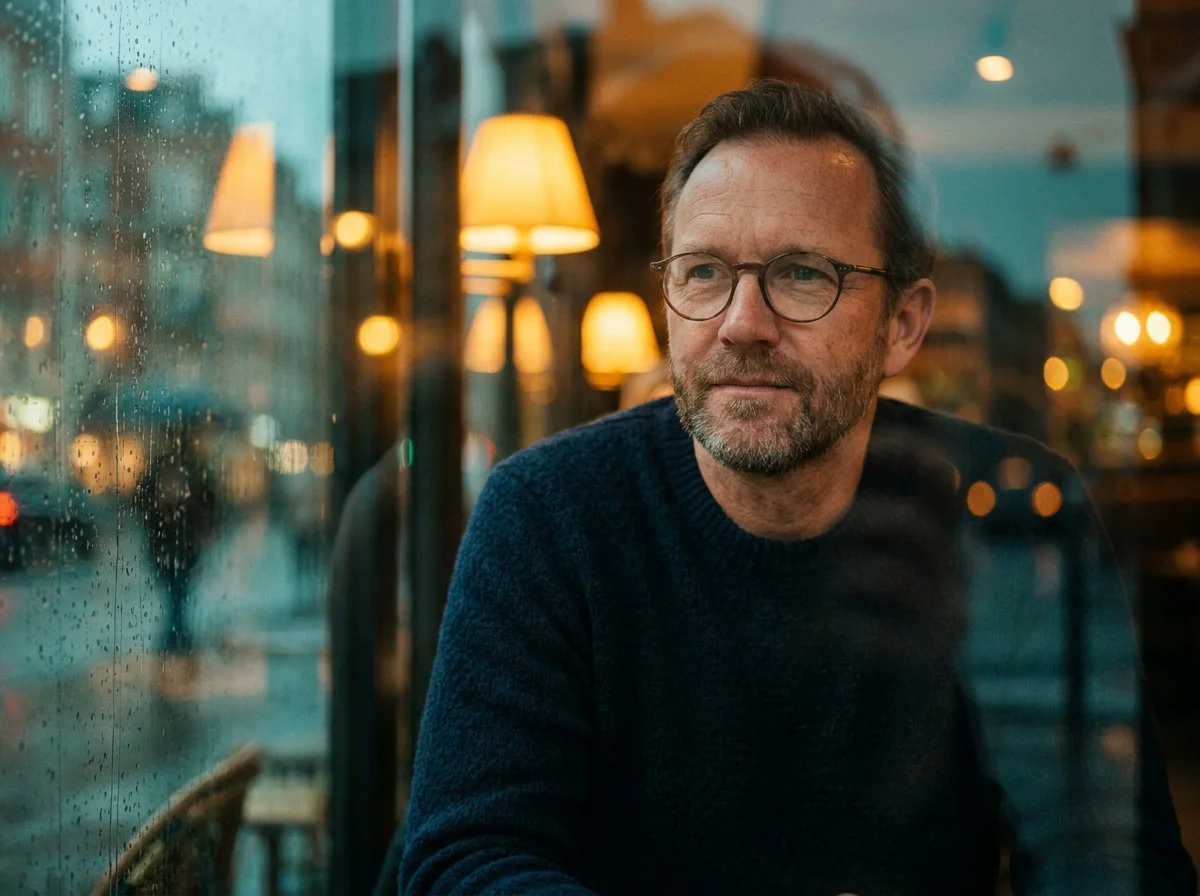
The prompt preserves the rain-streaked window, blue-hour lighting, warm bokeh, lens feel, and mood while changing the person in the frame.
Close cinematic portrait of a woman beside a rain-streaked window at blue hour, soft profile light, shallow depth of field, muted teal and amber palette, natural skin texture, quiet reflective mood, 85mm photographic treatment.
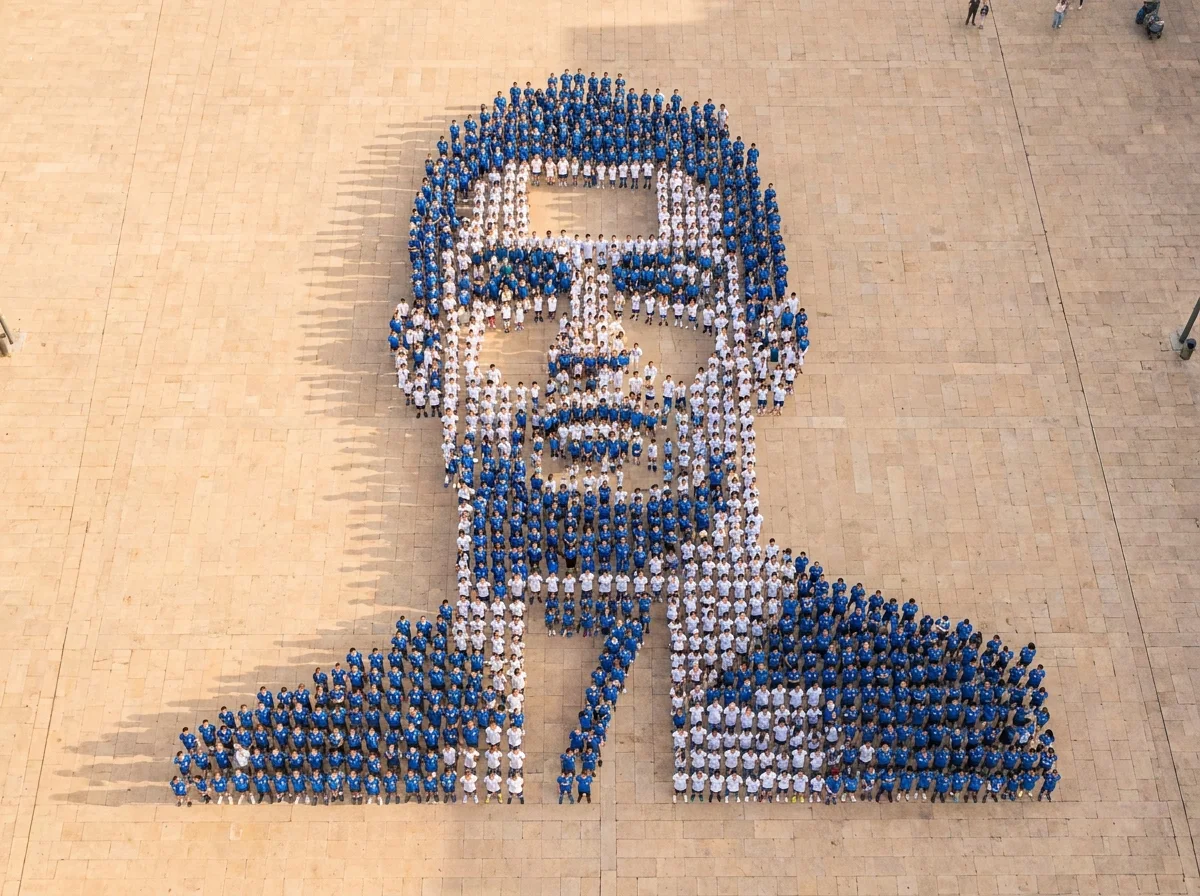 Original Image
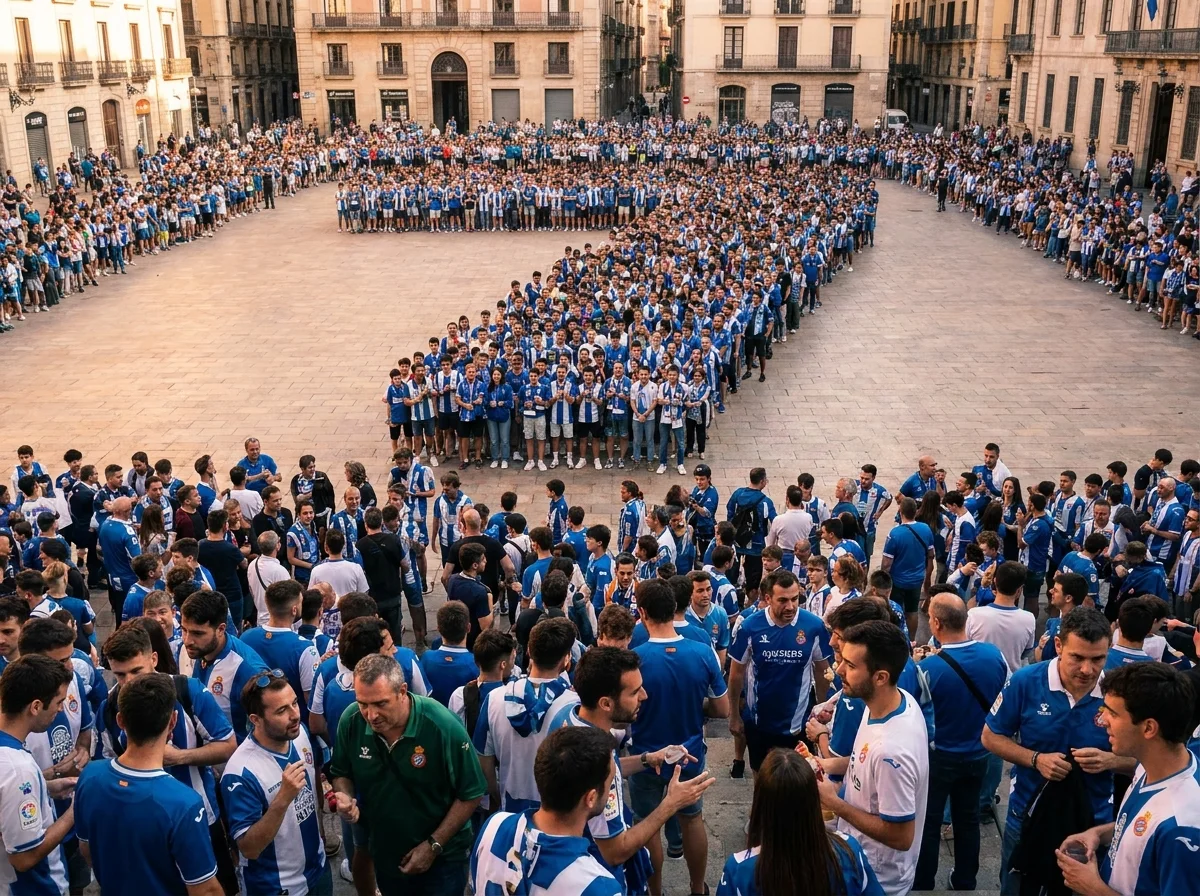 Recreated Image
The prompt keeps the mosaic crowd concept and documentary realism while changing the camera from bird-eye to eye-level for a new composition.
A giant mosaic portrait formed by hundreds of tiny people in blue and white jerseys on a warm beige plaza, surreal editorial collage, documentary realism, soft afternoon light, high detail.
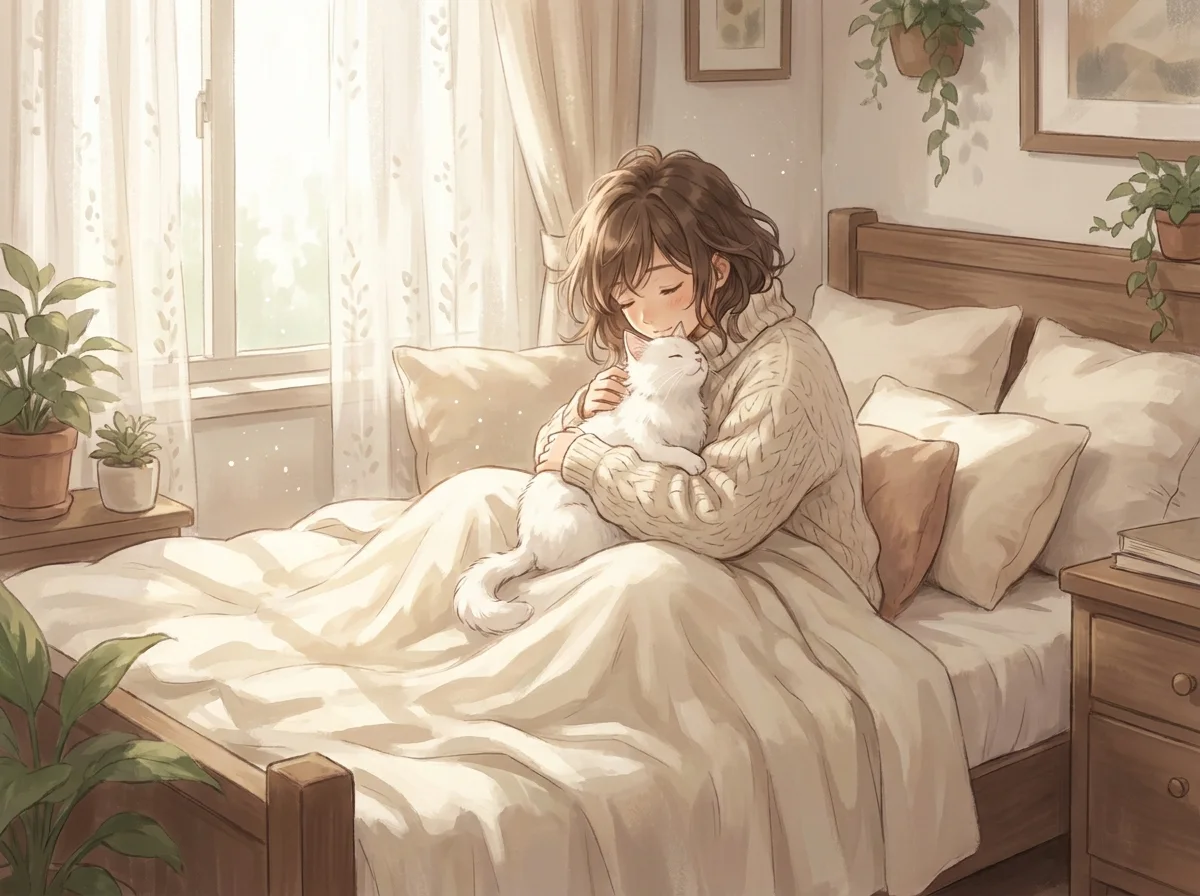 Original Image
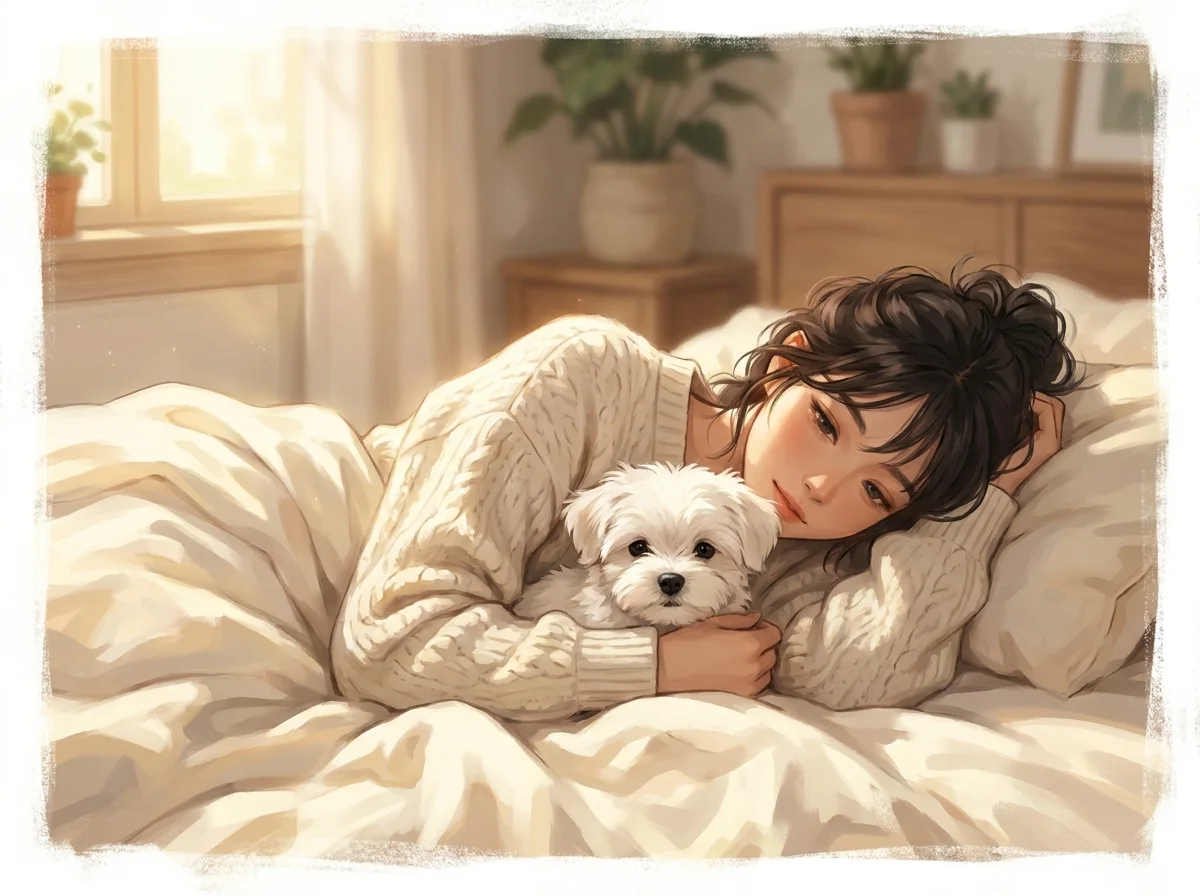 Recreated Image
The prompt preserves the cozy bed, soft morning light, anime-inspired treatment, and intimate mood while swapping cat for dog.
A young woman in a loose cream knit sweater lies on a soft bed cuddling a fluffy white cat, soft morning sunlight, warm ivory bedding, semi-realistic anime-inspired style, peaceful bedroom atmosphere.
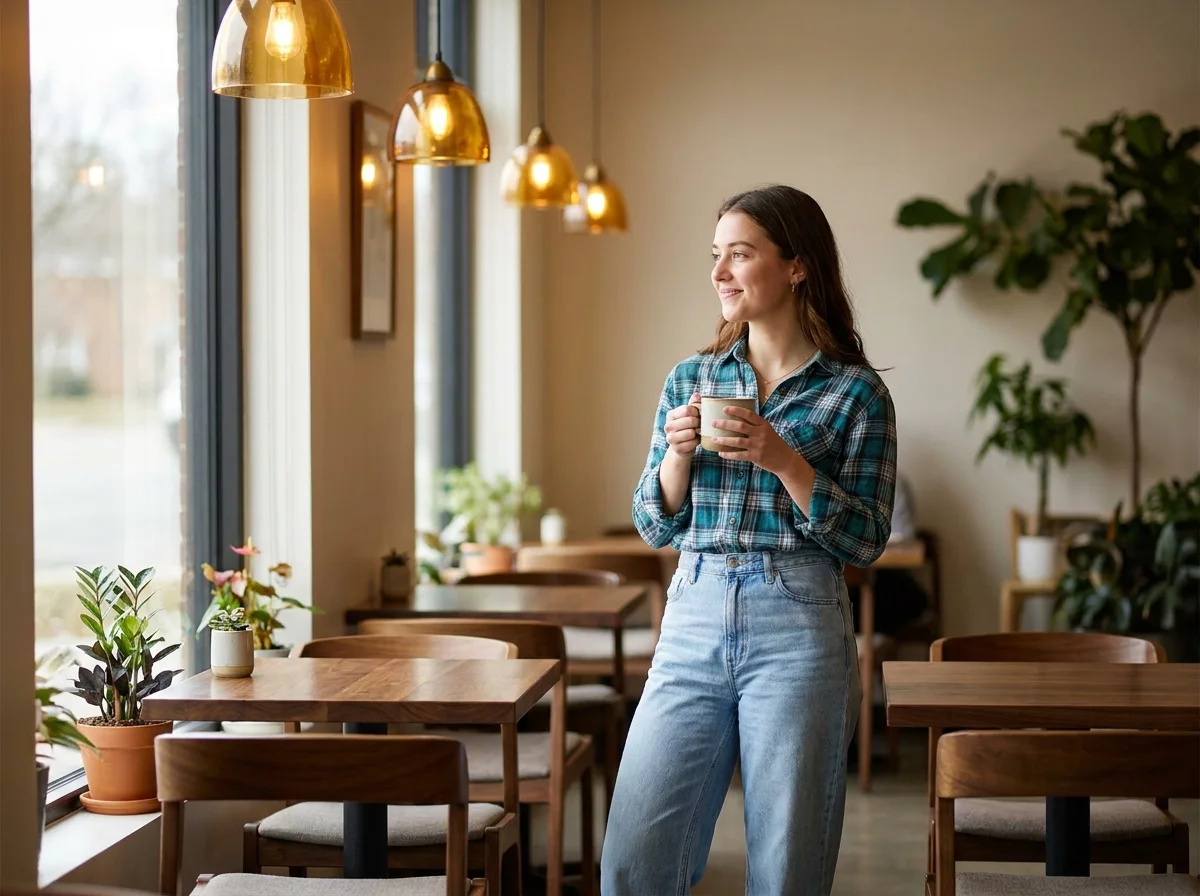 Original Image
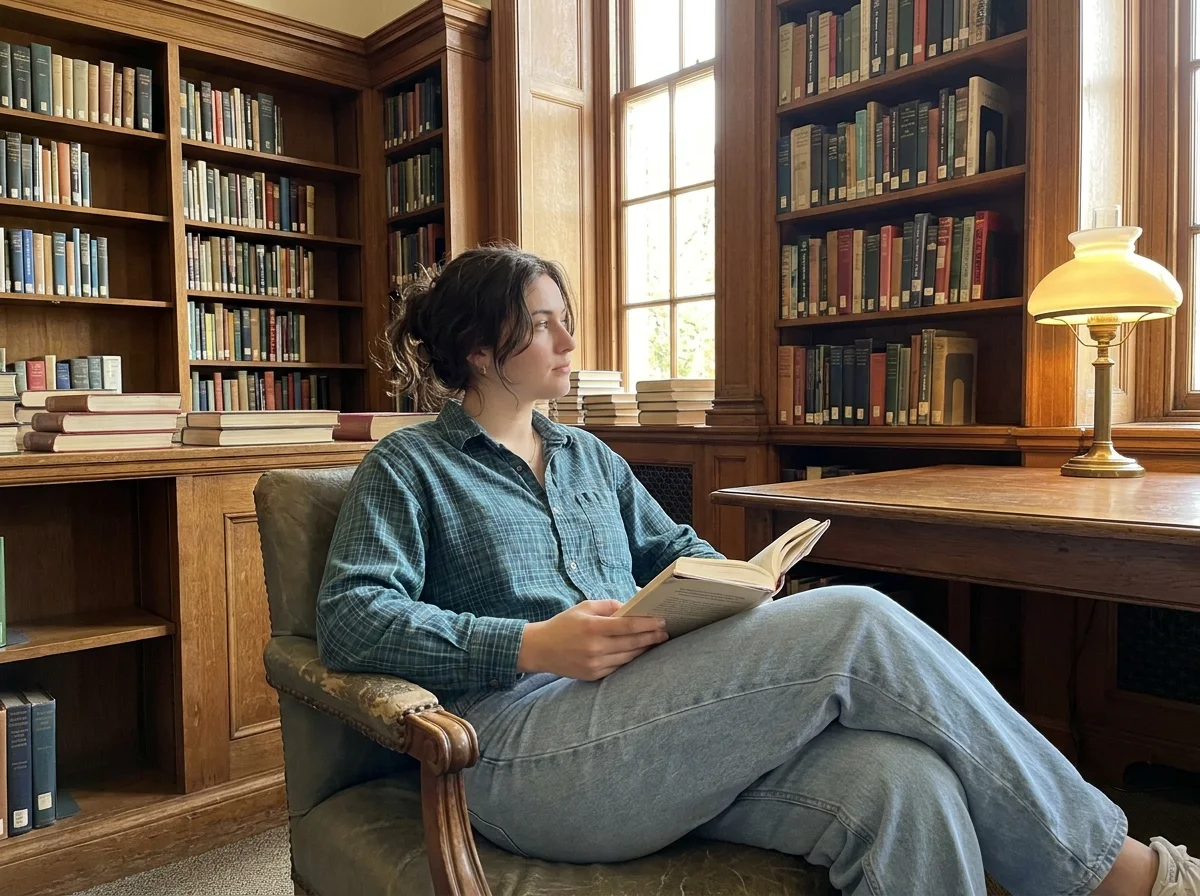 Recreated Image
The extracted prompt carries the outfit, pose, warm light, and photographic style into a library scene instead of a cafe.
A young woman in a blue-green plaid shirt and light blue wide-leg jeans stands in a warm modern cafe, natural warm light, shallow depth of field, calm comfortable lifestyle photography.
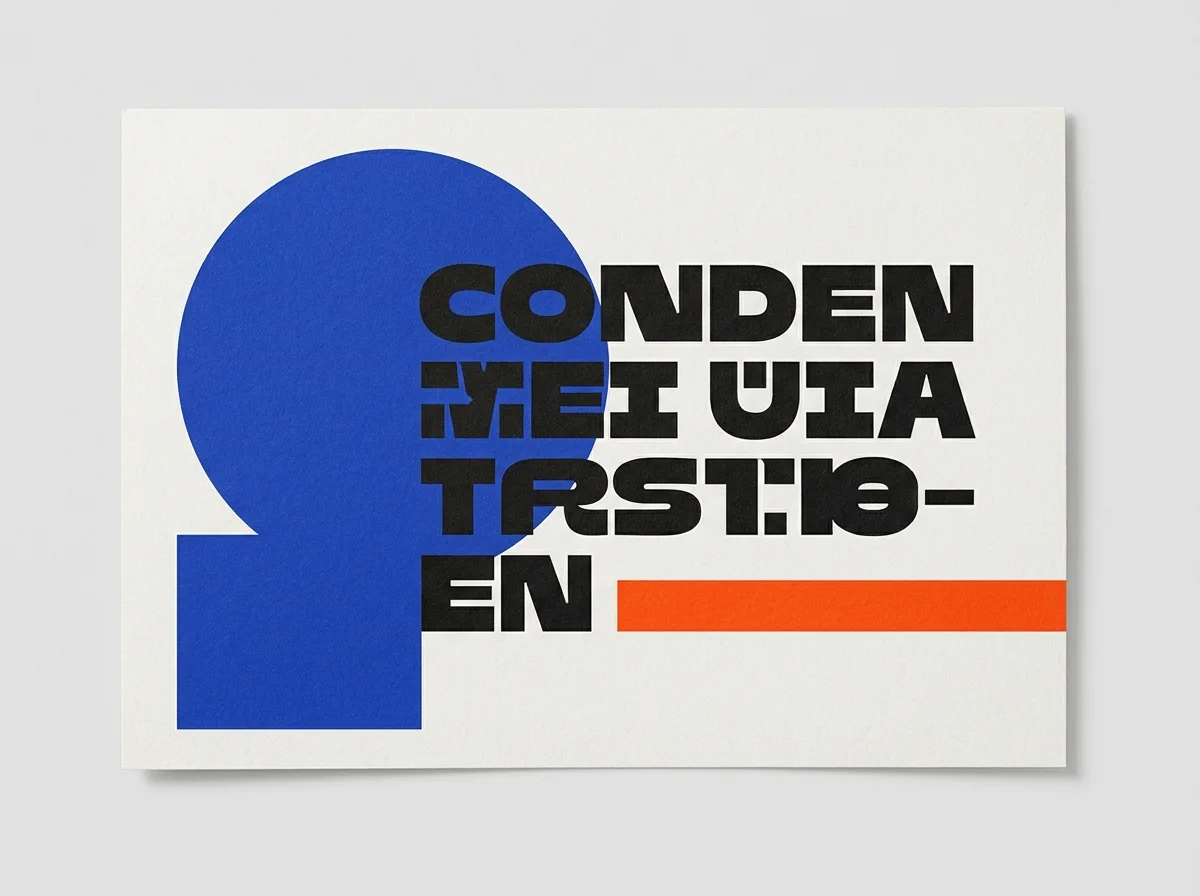 Original Image
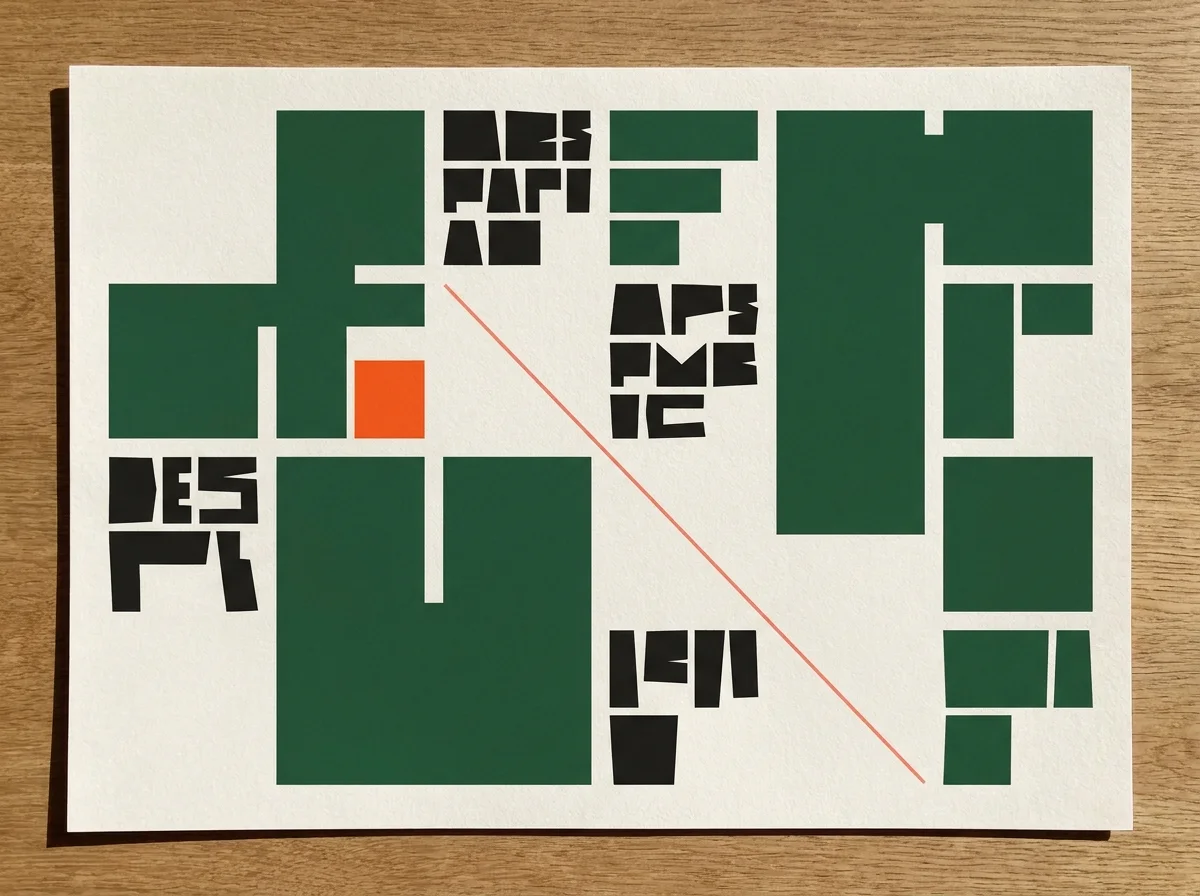 Recreated Image
The prompt keeps the paper grain, Swiss grid, negative space, and print-design language while changing the dominant color system.
Modern editorial poster with a cobalt geometric form, off-white paper texture, asymmetric grid, generous negative space, condensed black typography, one vivid orange accent, crisp print-design aesthetic.
Accuracy Guide
Upload the highest-quality version available. Compression, blur, heavy filters, and tiny subjects can reduce the amount of useful visual information.
Crop the image around the area you want analyzed when the original contains several unrelated subjects.
Choose a model-specific output only when you know where the prompt will be used. A clear general prompt is often more portable across different image generators.
Treat the generated prompt as a draft. Image analysis can misinterpret identities, materials, locations, text, and subtle artistic techniques.
Avoid using the tool to copy another creator’s work deceptively. Use references for analysis, learning, inspiration, and meaningful transformation, and respect applicable rights.
Upload a reference, generate a detailed prompt, and move directly from visual inspiration to image creation. Refine the description, recreate the idea, and continue editing or animating it inside Vizmuse.
Generate a Prompt from My Image