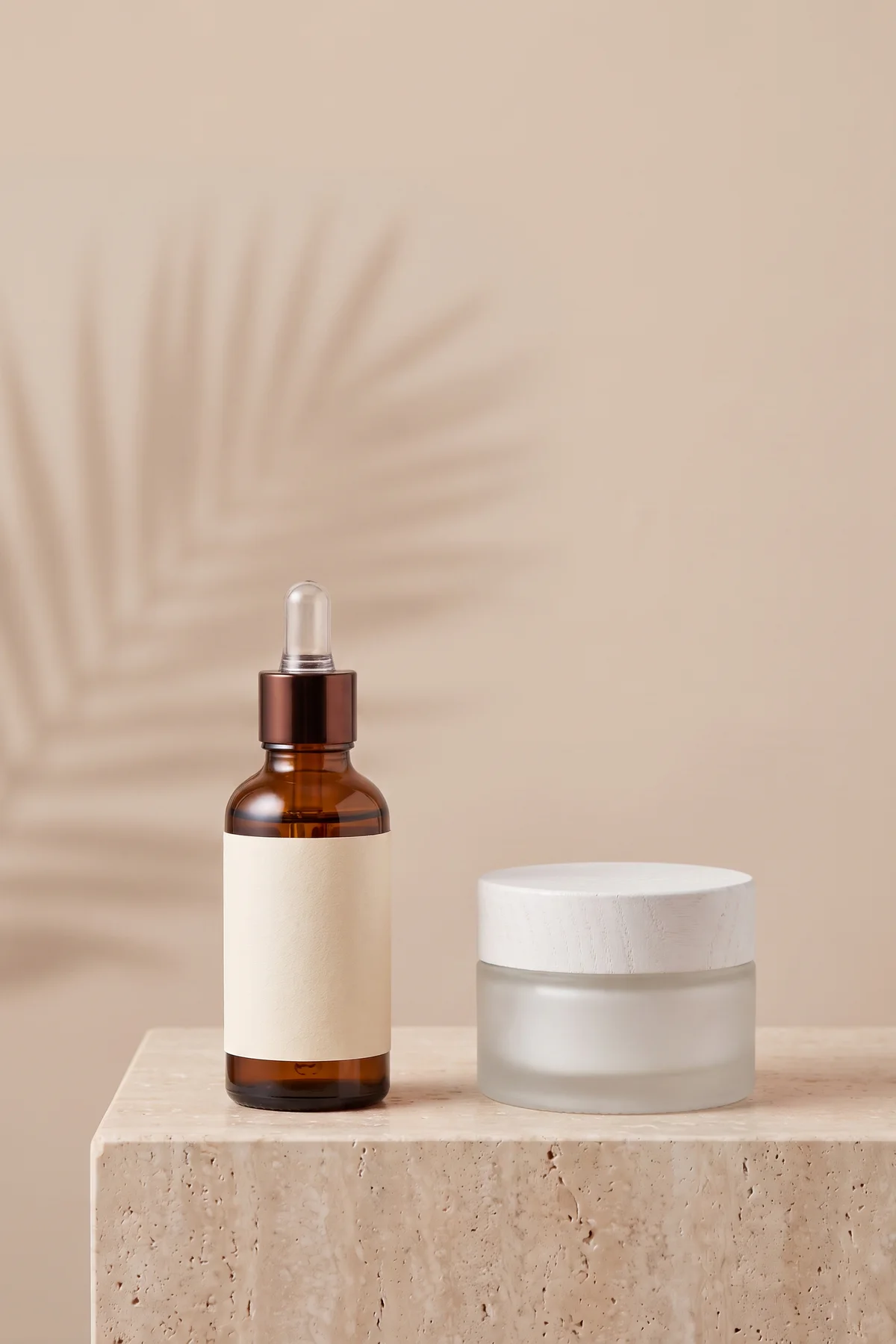
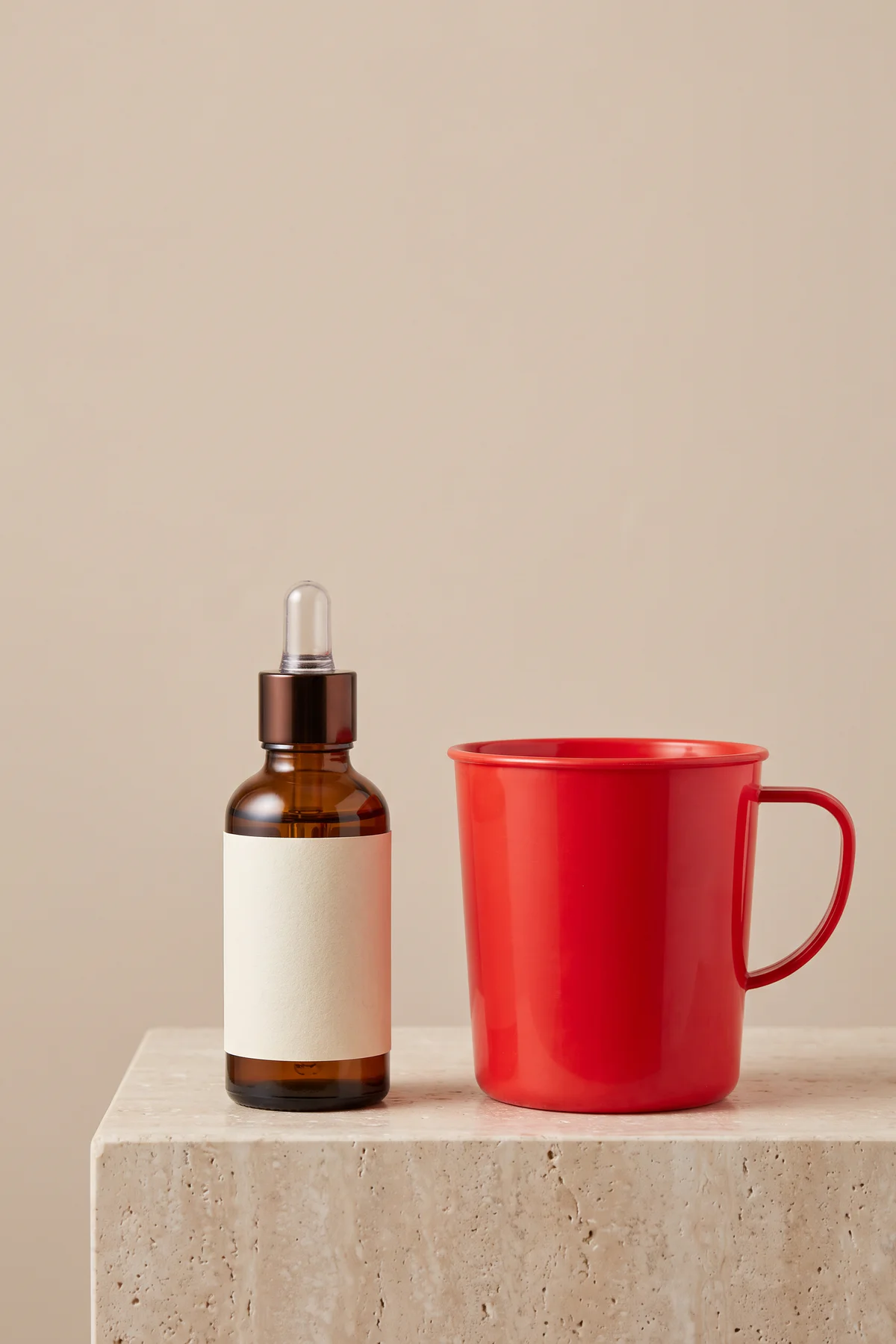
Product Prop Replacement
Swap one product prop while keeping the listing composition.
Upload a photo, describe the object to replace, and review the generated edit.
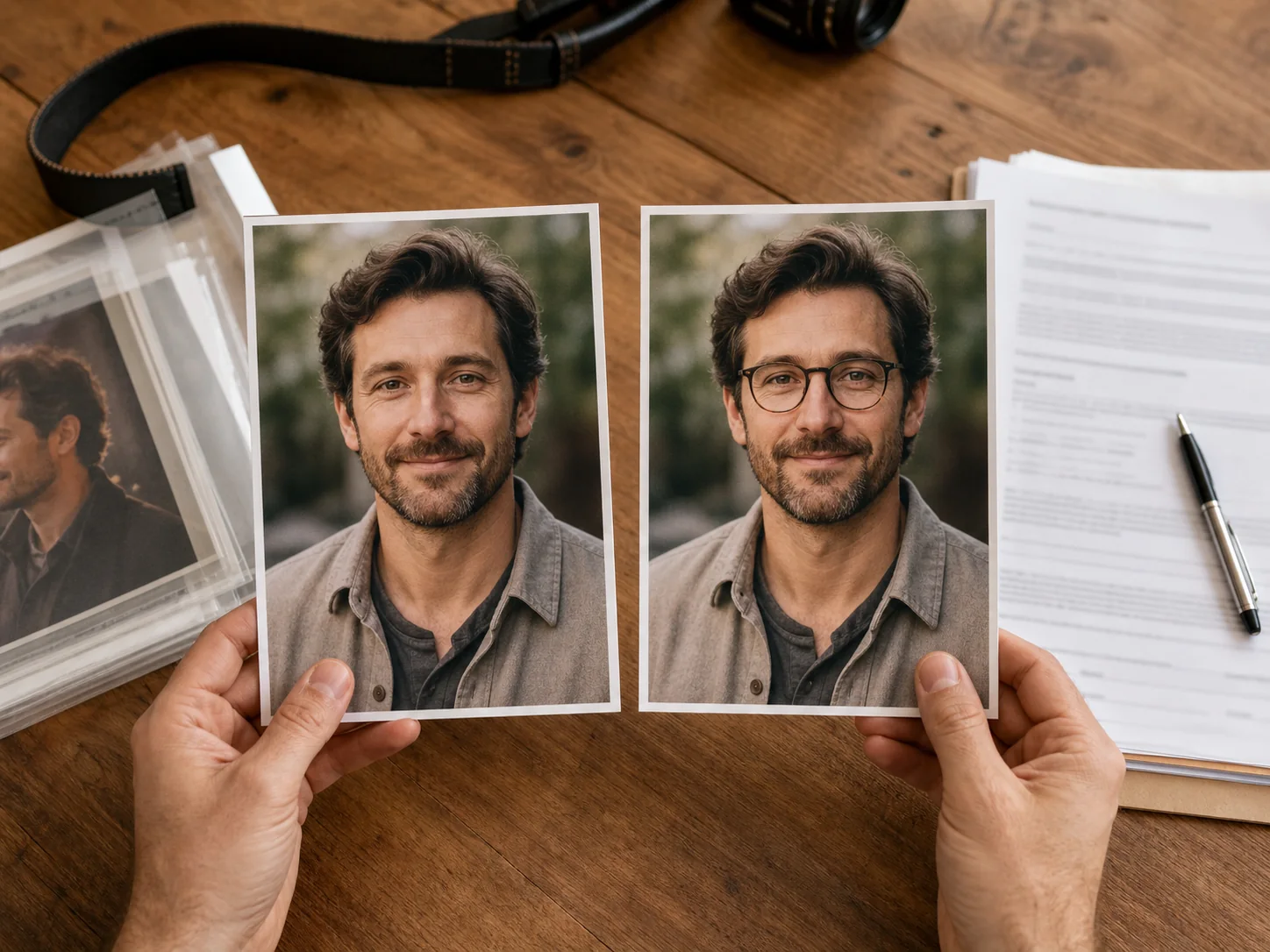
 Replaced After
 Original Before
Select an object, describe what should replace it, and create a natural-looking edit without complicated photo editing.
Upload a photo, name the object to replace, and guide the new result with a focused prompt that includes material, color, perspective, scale, and lighting.
Keep the surrounding composition you already like while exploring new product props, furniture, accessories, travel details, and social media concepts.
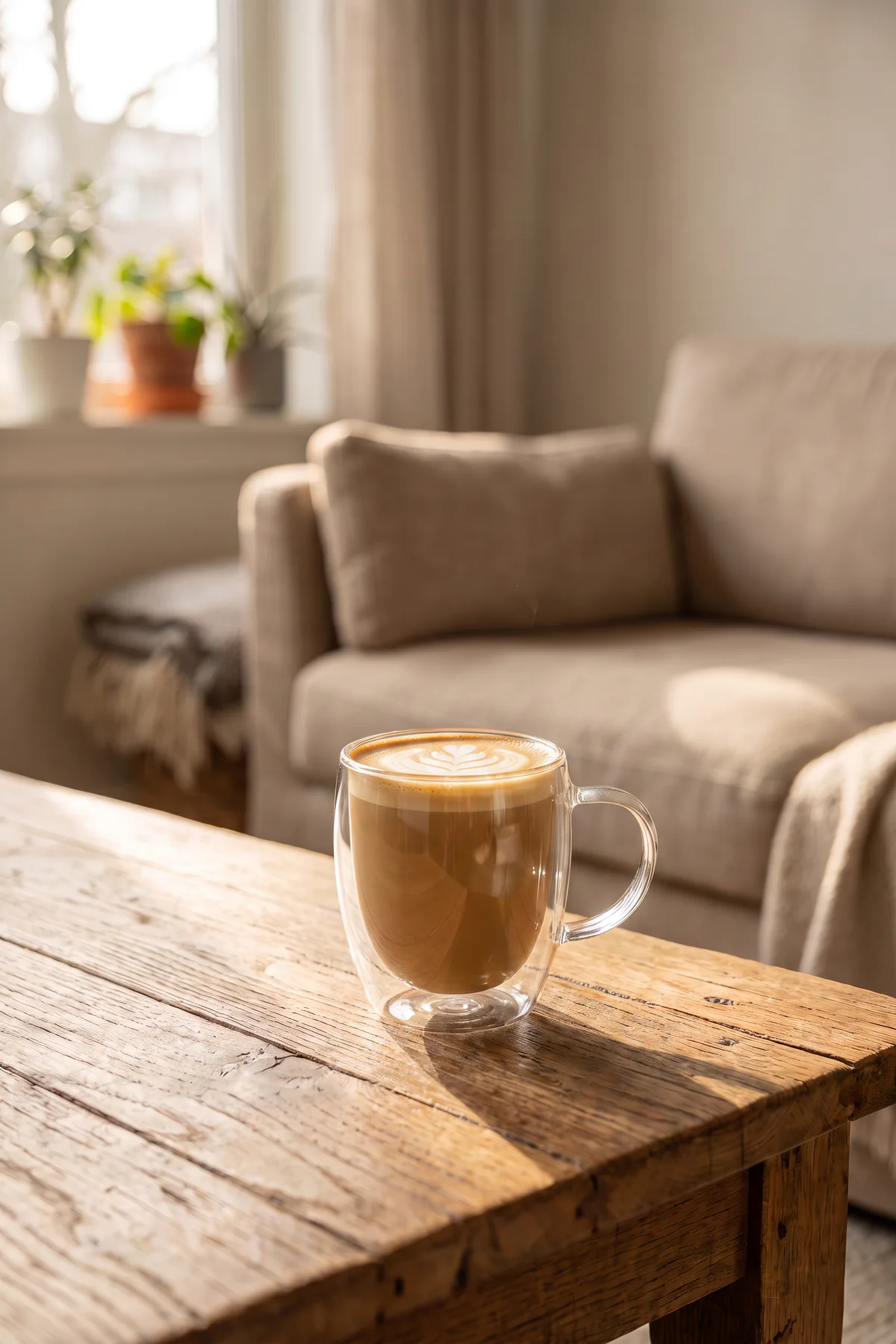
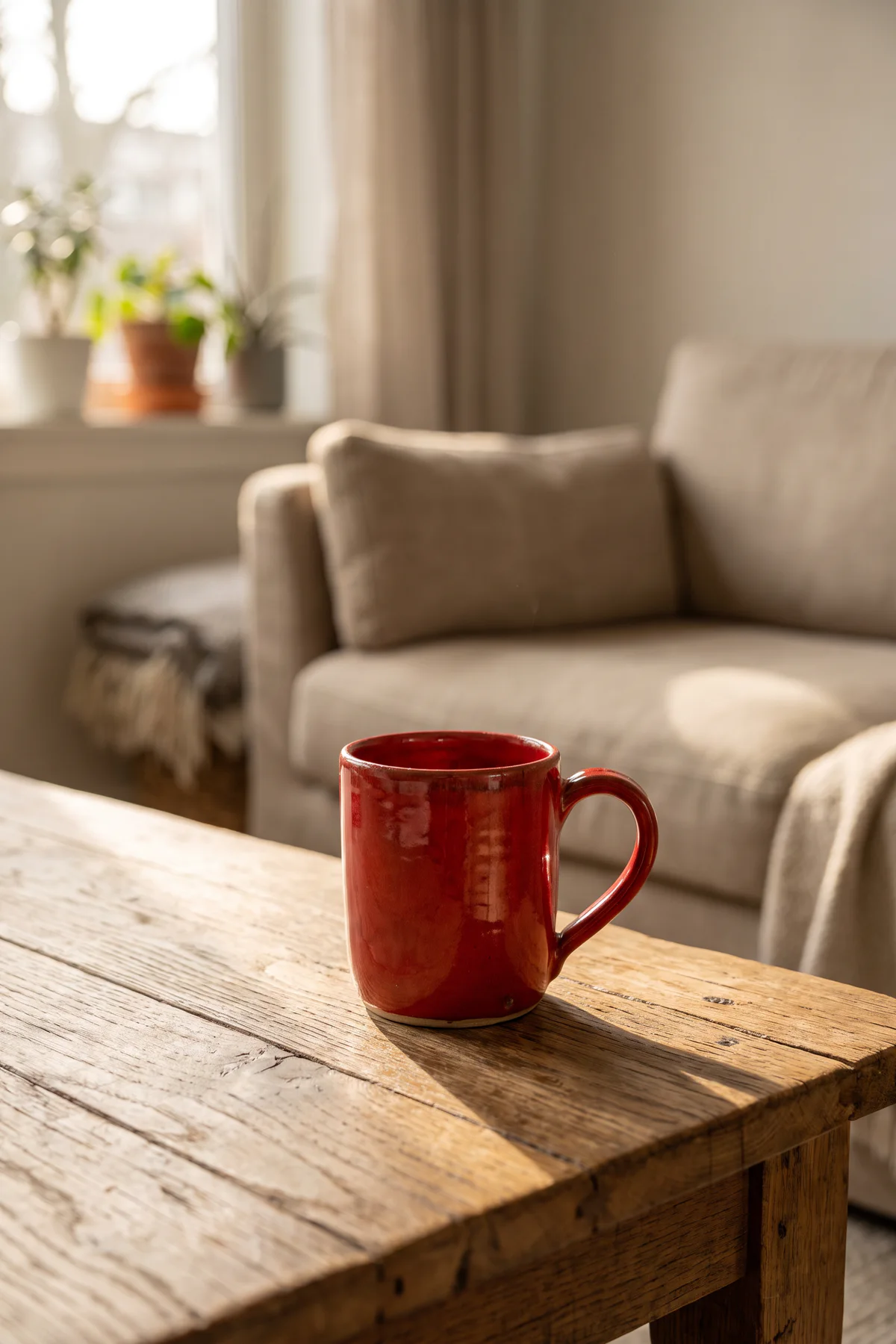
Replace a single object and keep the visual direction of the original photo. Drag the slider to compare each original with its edited result.
Swap one product prop while keeping the listing composition.
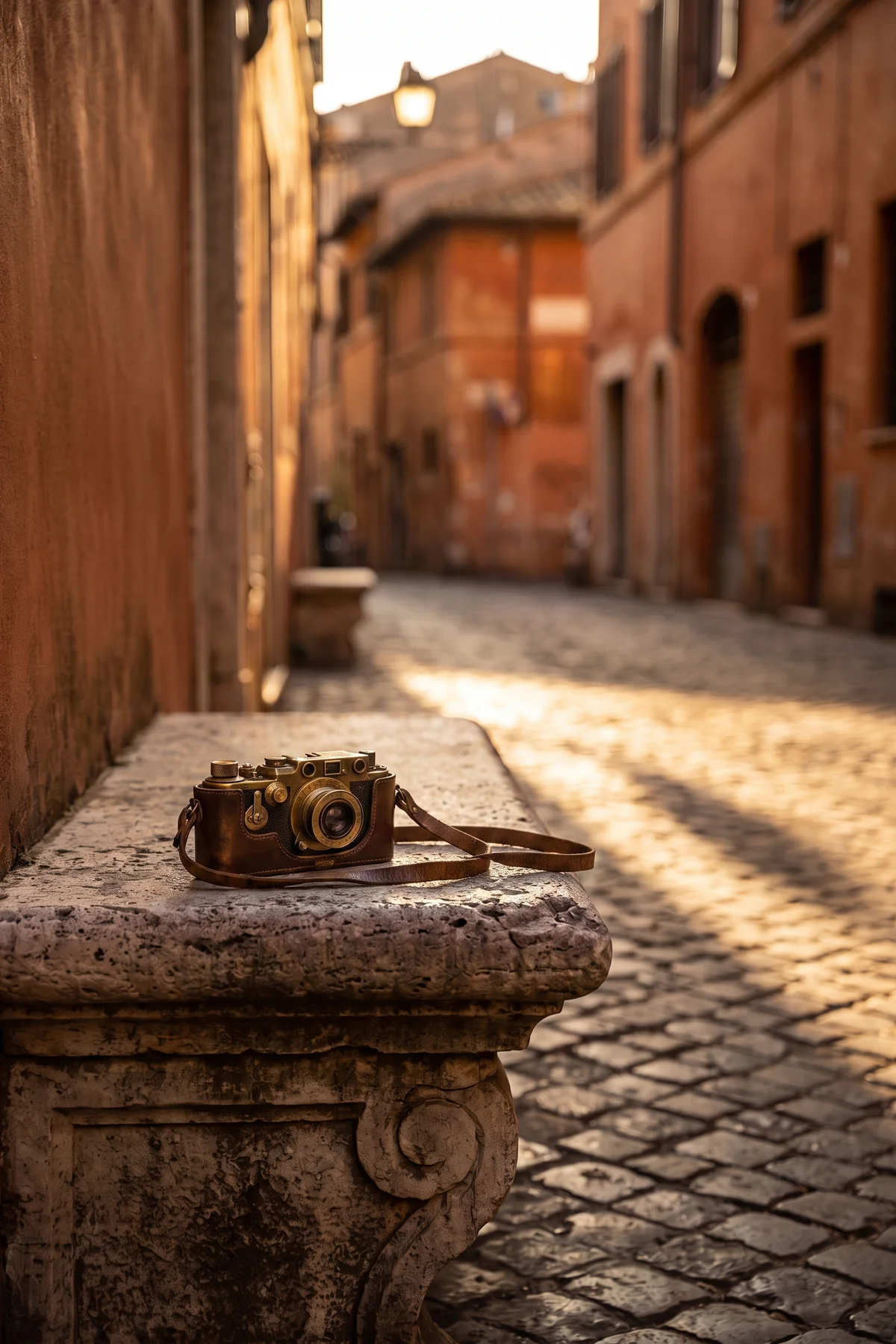
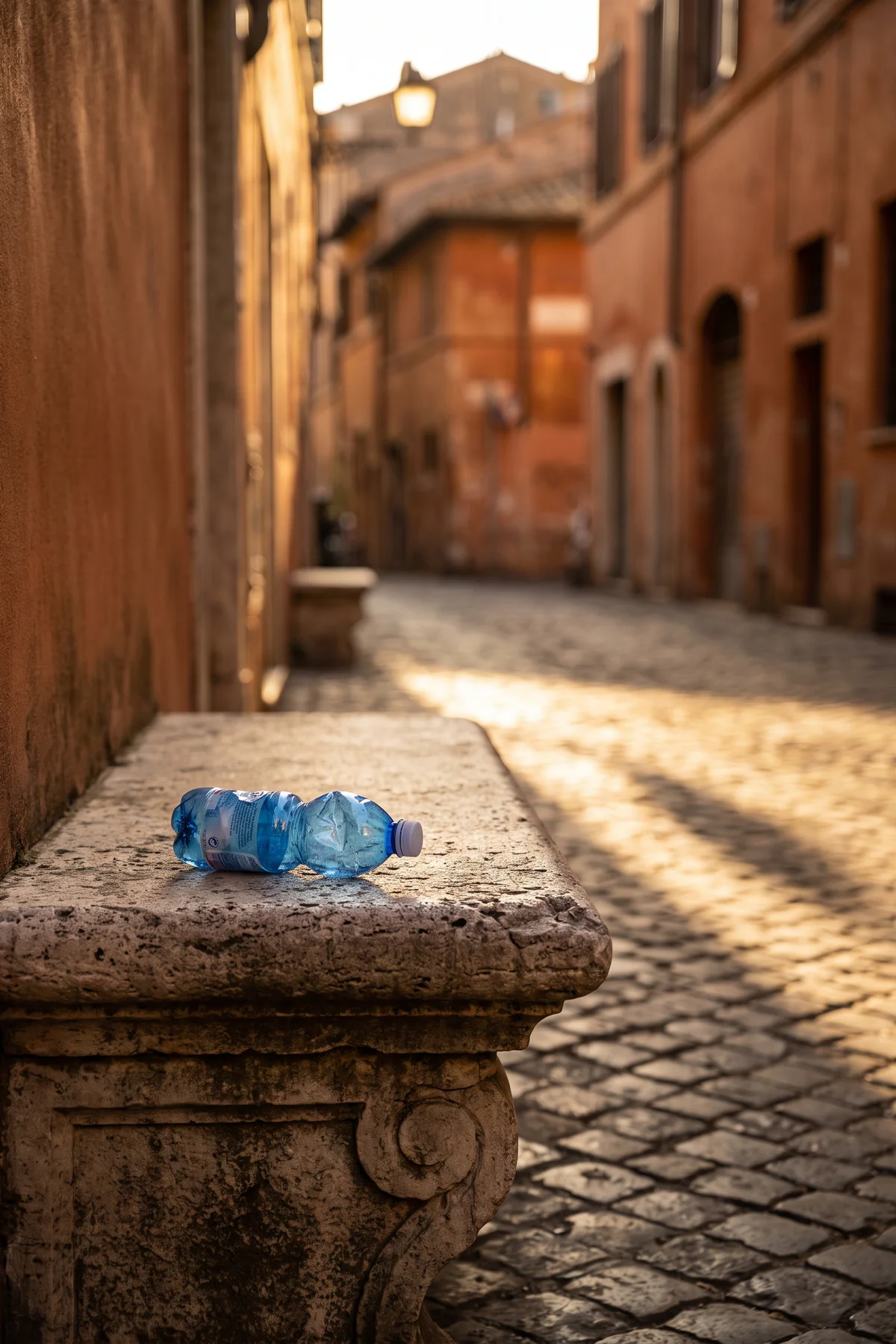
Change a small object without rebuilding the entire travel scene.
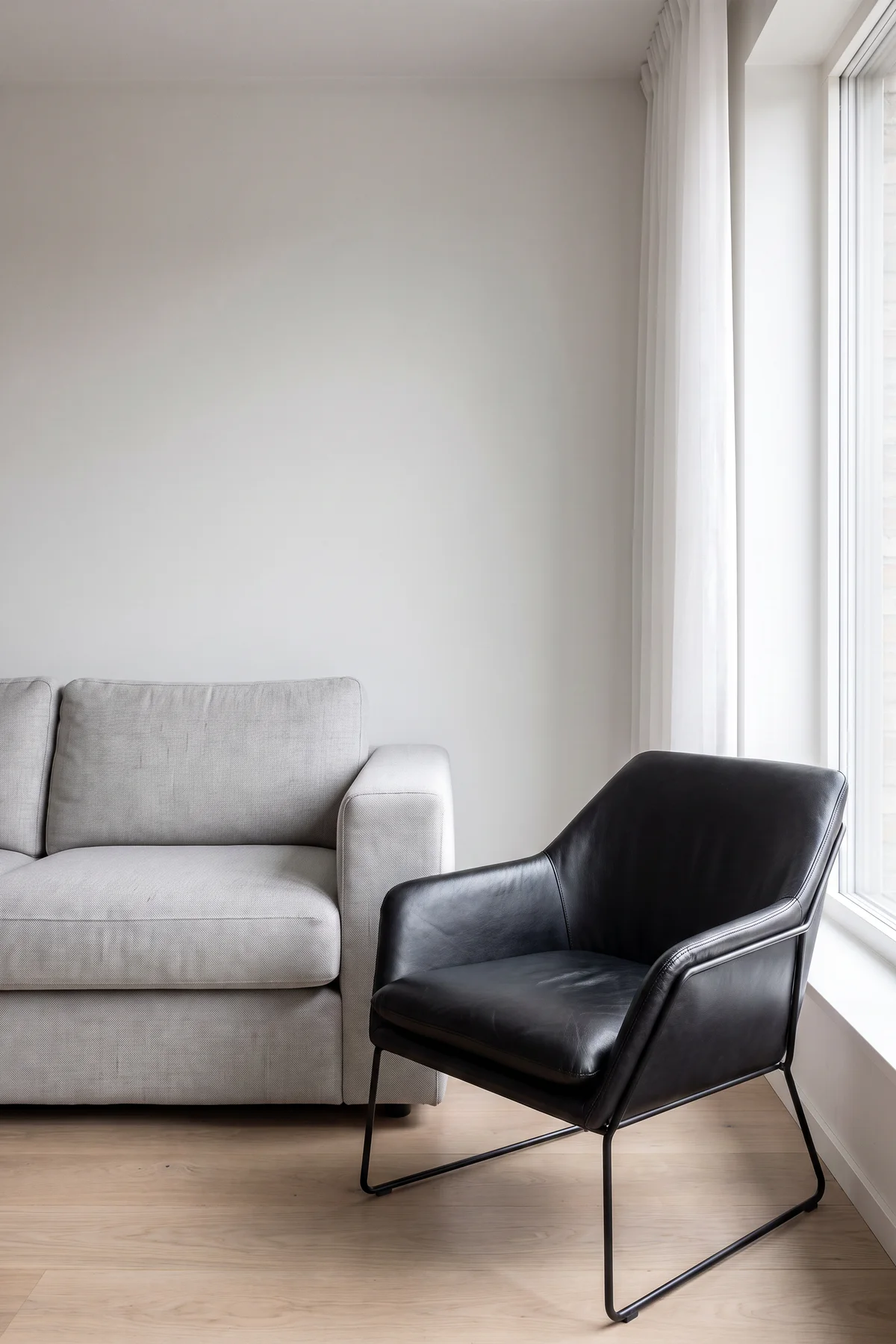
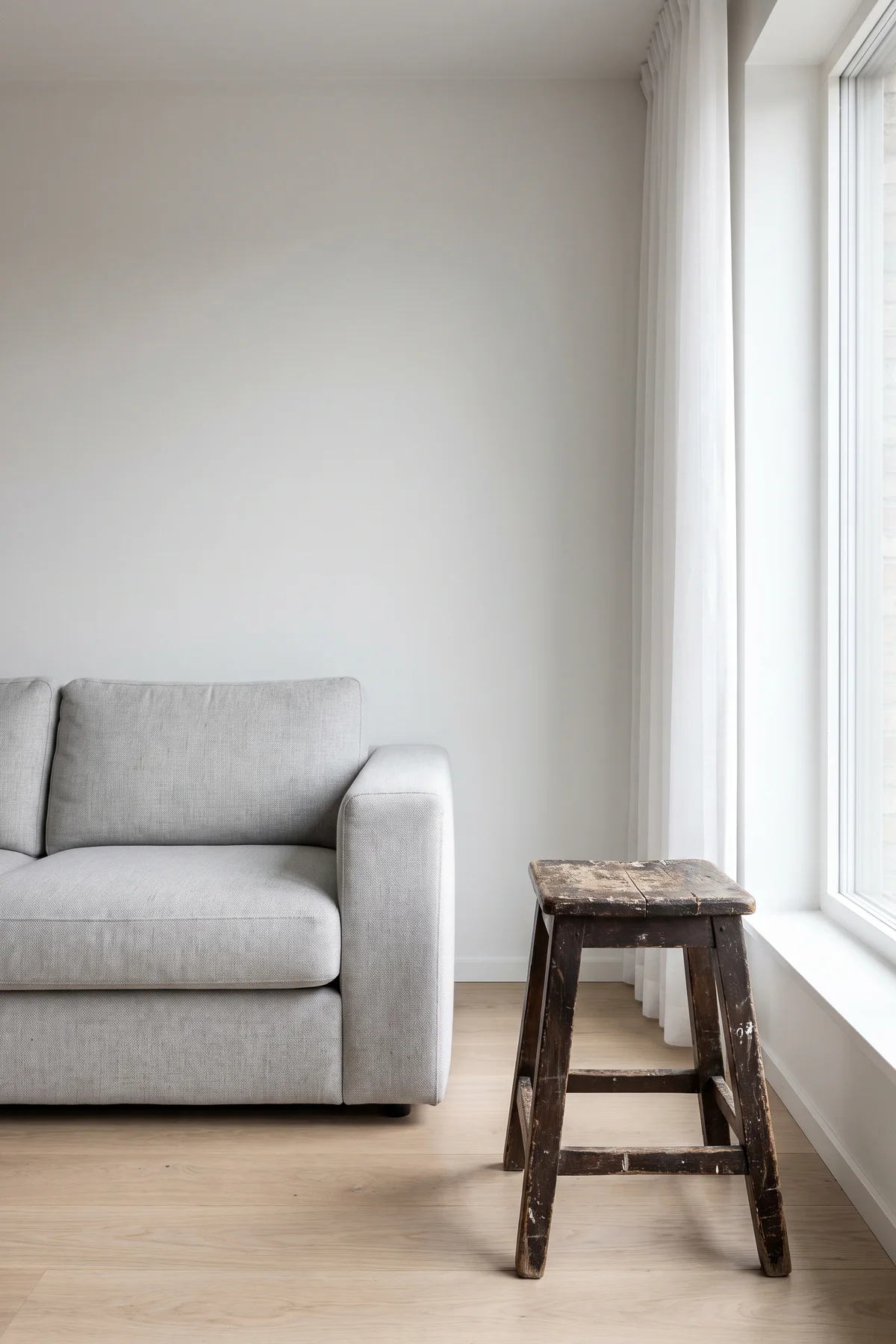
Test a different chair, lamp, plant, or decor direction.
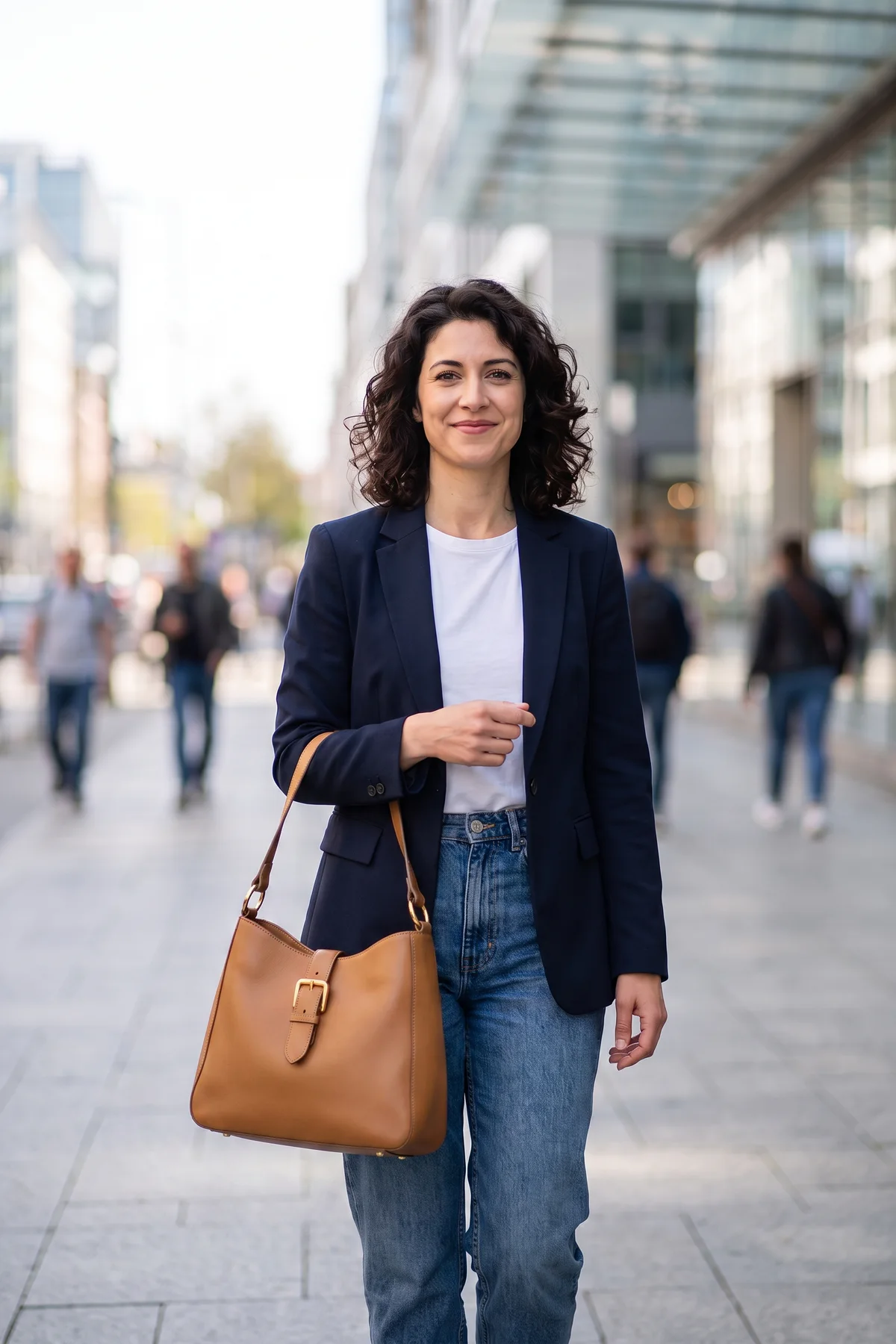

Explore an accessory change while preserving the portrait direction.
An AI image replacer is an online generative fill tool for replacing selected objects while preserving the original photo composition. Upload a photo, identify the part that should change, and describe what should appear in its place.
Traditional object replacement can require masks, layers, cloning tools, and careful manual blending. Vizmuse turns the process into a focused AI image editing workflow for products, portraits, travel photos, social posts, and creative concepts.
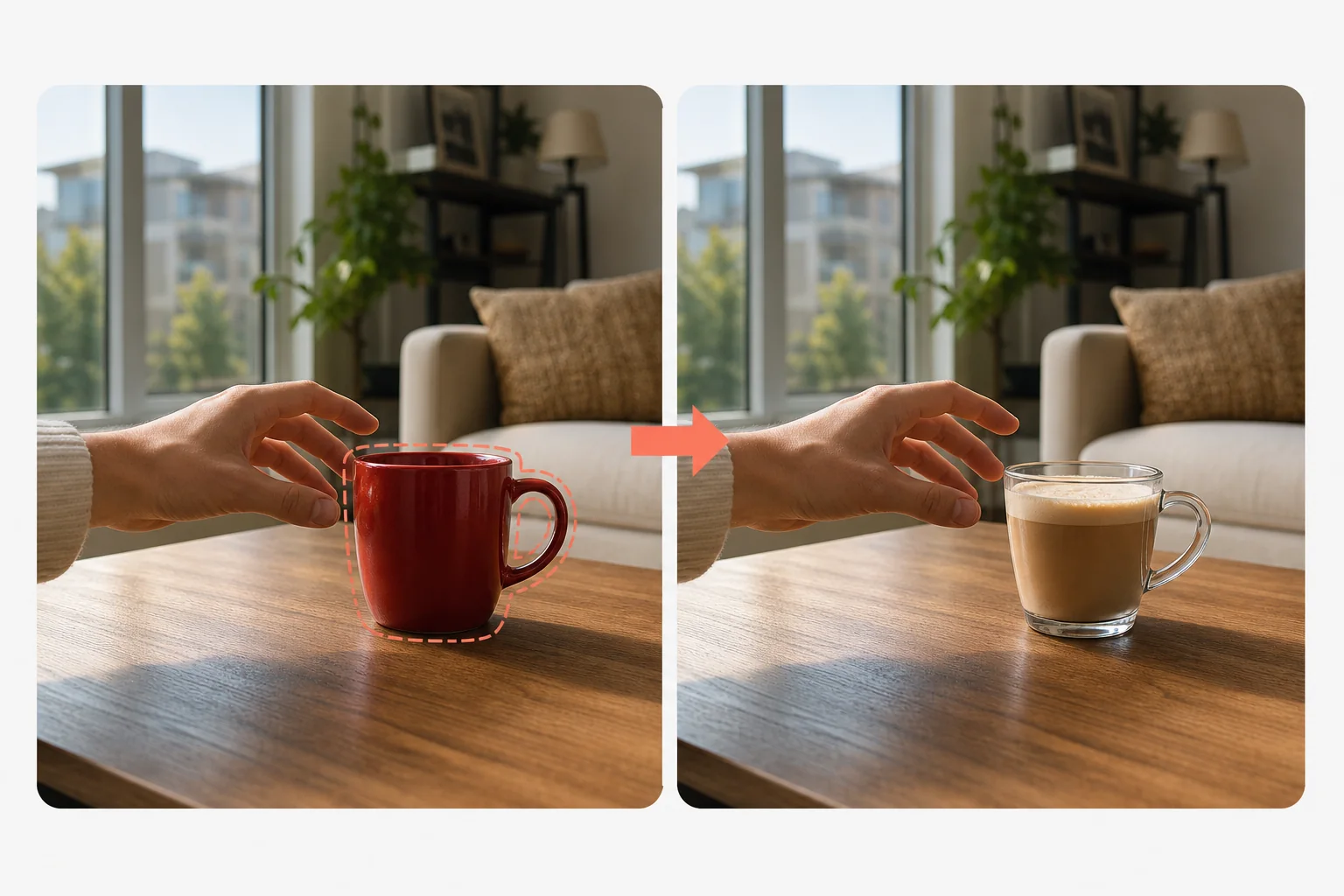
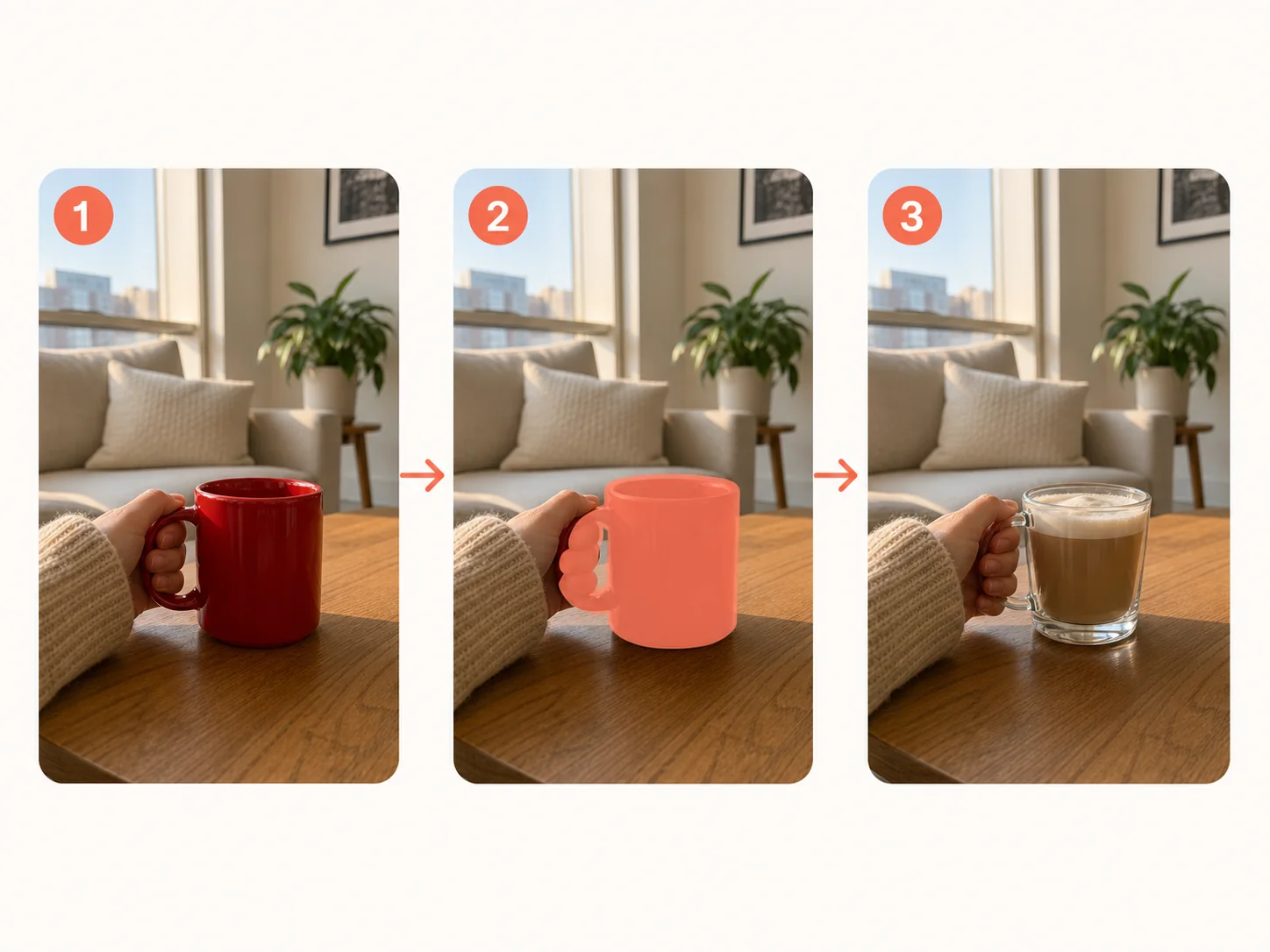
Choose a clear JPG, PNG, or WebP image. A sharp source gives the AI more detail to understand the object and surrounding scene.
Describe the complete object or region you want to change. Keep the target specific and avoid including unrelated parts of the photo.
Write a direct prompt with useful details such as material, color, shape, viewing angle, scale, lighting, and style.
Inspect the result and adjust the target description or prompt when the object size, perspective, shadows, or edges feel incorrect.
Save the strongest version for a listing, presentation, campaign, social post, or personal creative project.
Change one part of an image without rebuilding the entire composition.
Swap decorations, accessories, furniture, food items, packaging, or scene props when the composition is right but one element needs to change.
Test alternative props, surfaces, colors, or surrounding elements while keeping the actual product accurate for a listing or campaign.
Turn one photo into several concepts by changing props, seasonal decorations, colors, or visual themes for posts and thumbnails.
Change accessories, small clothing details, or nearby props while preserving the main person and the original visual direction.
Replace a chair, lamp, plant, or decor item to explore an interior direction before making a real purchase or design decision.
Keep the parts of the photo that already work and iterate on the part that does not.
Only the requested object or detail needs to change, helping preserve the original composition and surrounding context.
Describe the replacement in natural language instead of manually drawing every texture, material, and shadow.
The AI uses nearby perspective, light, texture, color temperature, and scale as context for the new content.
Generate alternatives quickly during the early concept stage for creators, marketers, sellers, and designers.
Use concrete nouns and visual details. Name the original object, the replacement, and the visual conditions that should stay consistent.
Name the original item, replacement material, and the surface relationship.
Include the style, color, size, perspective, and room lighting.
Describe the new shape, material, color, and contact shadow.
Keep the person, pose, and composition unchanged while specifying the new accessory.
Start with the highest-quality source image available. When the first result is not convincing, revise one variable at a time instead of rewriting the whole prompt.
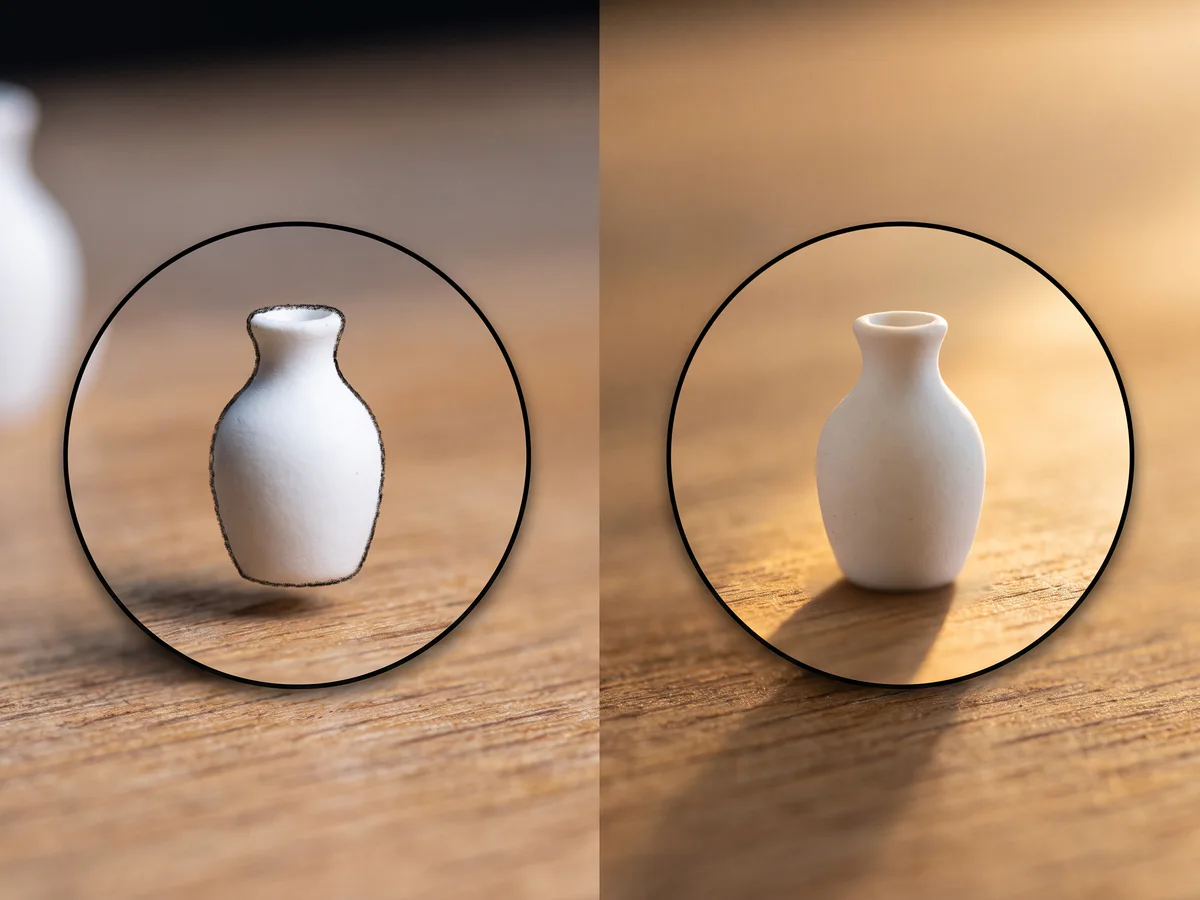
AI replacement is a creative editing aid, not a guarantee of pixel-perfect reconstruction.
Overlapping people, hidden backgrounds, or objects partly outside the frame can make replacement less consistent.
Small typography, labels, logos, and precise product markings may need manual checking or a cleaner source image.
Glass, mirrors, water, transparent materials, and complex highlights can require multiple attempts.
If the new object does not match the original camera angle or available visual space, refine the prompt and regenerate.
Only edit content you have the right to use. Preserve the original image when accuracy, disclosure, or historical context matters.
Choose the tool that matches the next change you want to make.
Upload an image, describe the part you want to transform, and create a new version while keeping the composition you already like.
Try AI Image Replacer