Social Media Posts
Prepare square 1:1 posts, portrait 4:5 feed images, and vertical 9:16 stories or reels without changing the proportions of the original subject.
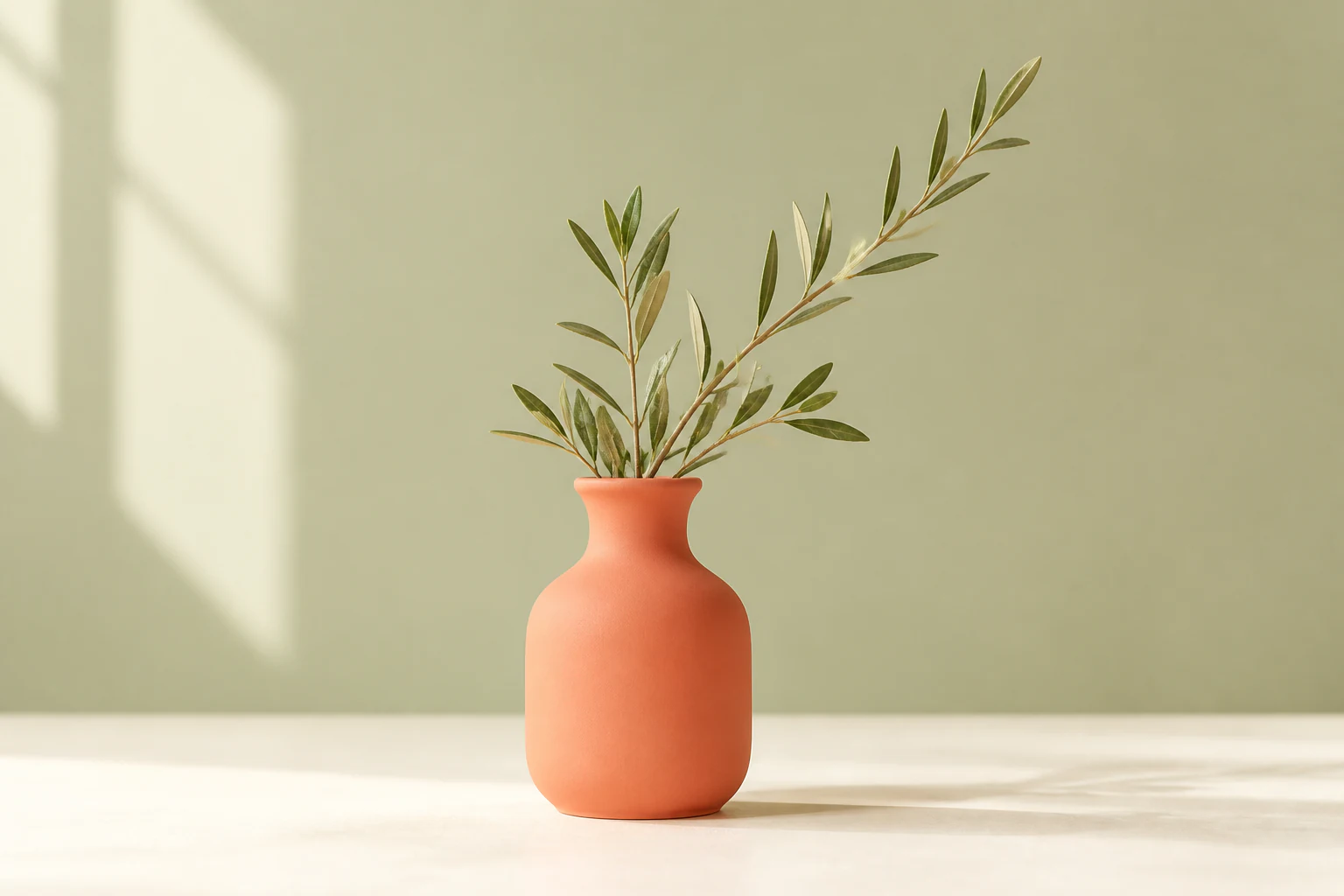
Change any image to 1:1, 4:5, 16:9, 9:16 or a custom ratio. Drag, crop, zoom and download for free—no login or credits required.
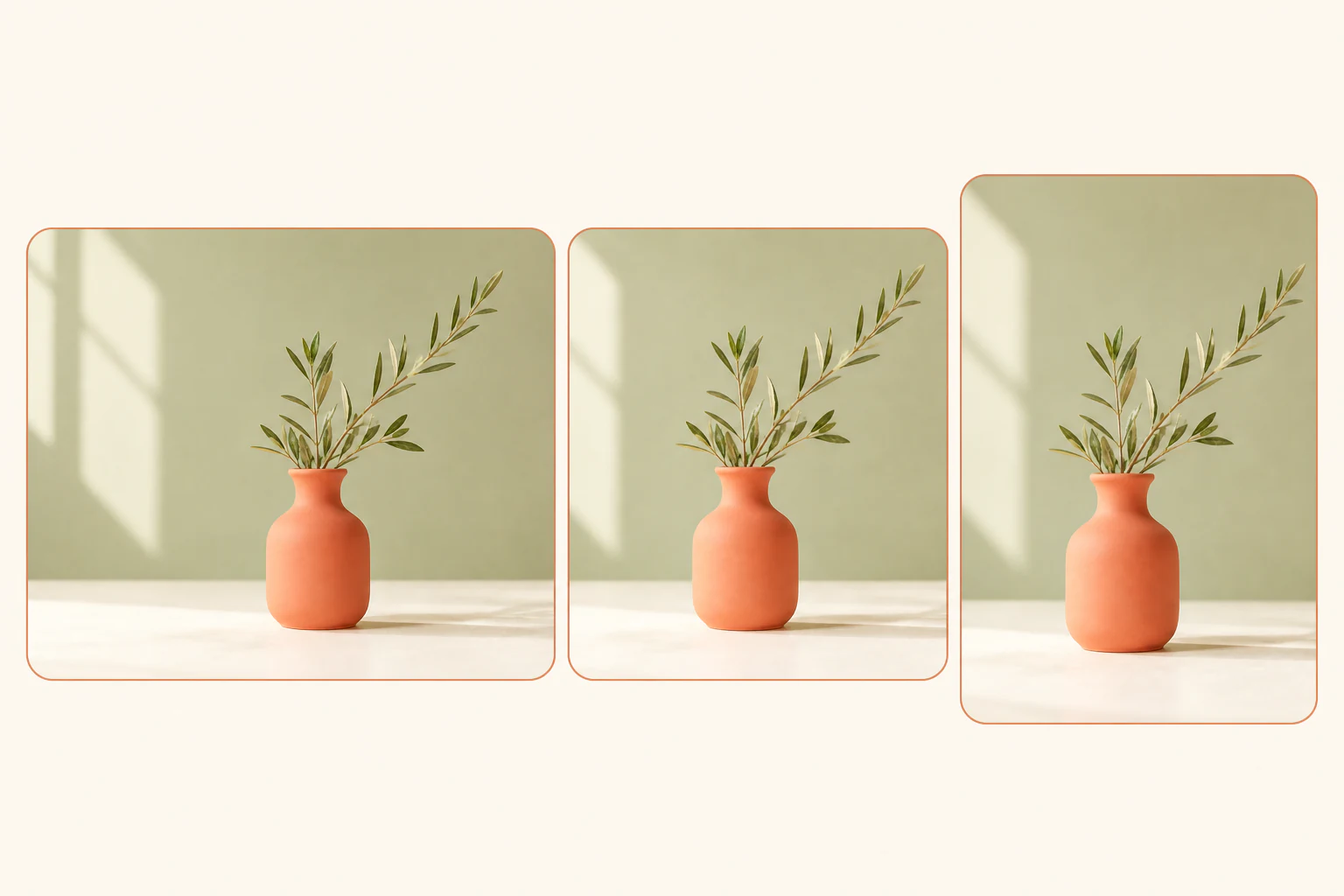
Choose the canvas shape your layout needs, then keep the original subject in proportion while you crop, reposition, and zoom into the right composition.
This browser-based image aspect ratio changer is for precise cropping and reframing. When you need a different ratio without cropping the subject, use the AI Image Extender below.
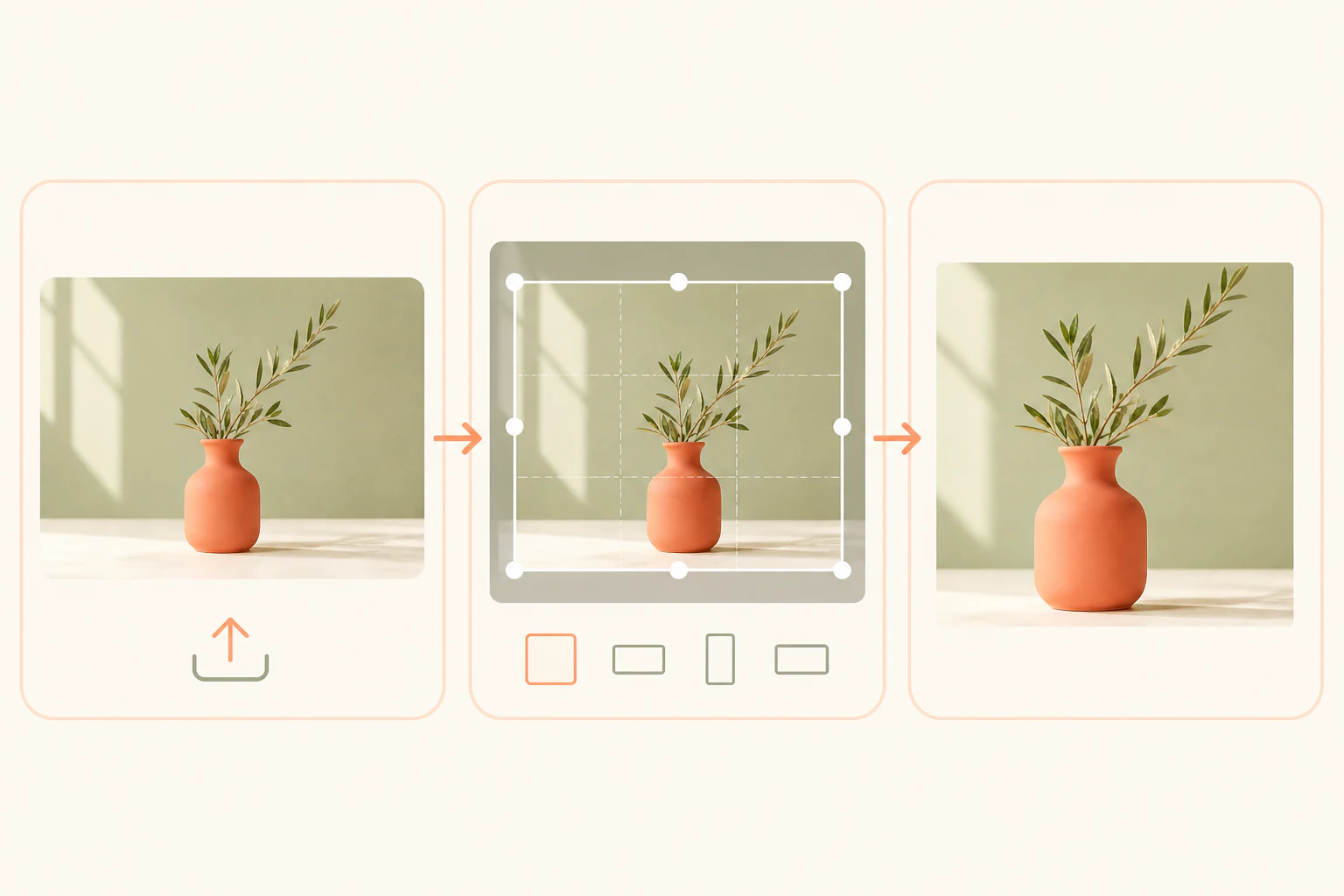
Select a JPG, PNG, or WebP file from your device. The image opens instantly on the editing canvas. Because processing happens in your browser, you do not need to create an account or wait for an upload queue.
Pick a common preset or enter a custom width and height. Drag the crop frame to resize it, move the image to place the subject where you want, and use the zoom slider below the canvas for more precise framing.
Choose JPG, PNG, or WebP, adjust the output quality, and download your image. Vizmuse keeps the selected aspect ratio while exporting the dimensions you set.
Use the right image shape for the layout, platform, or screen where your visual will appear.
Prepare square 1:1 posts, portrait 4:5 feed images, and vertical 9:16 stories or reels without changing the proportions of the original subject.
Crop a photo into a wide 16:9 composition for hero banners, landing-page sections, display graphics, and presentation layouts.
Reframe product photos into consistent square, portrait, or custom listing formats while keeping packaging and objects undistorted.
Create widescreen thumbnails, portrait editorial crops, and custom dimensions for a consistent visual system across a campaign.
Enter any width and height when a client brief, ad placement, print layout, or design component needs a ratio outside the common presets.
Explore supported preset ratios, platform-specific resolutions, and visual crop previews for all major social channels and standard displays.
A useful aspect ratio changer should show the composition before export. Vizmuse gives you a visual crop frame instead of asking you to guess how a new width and height will affect the image.
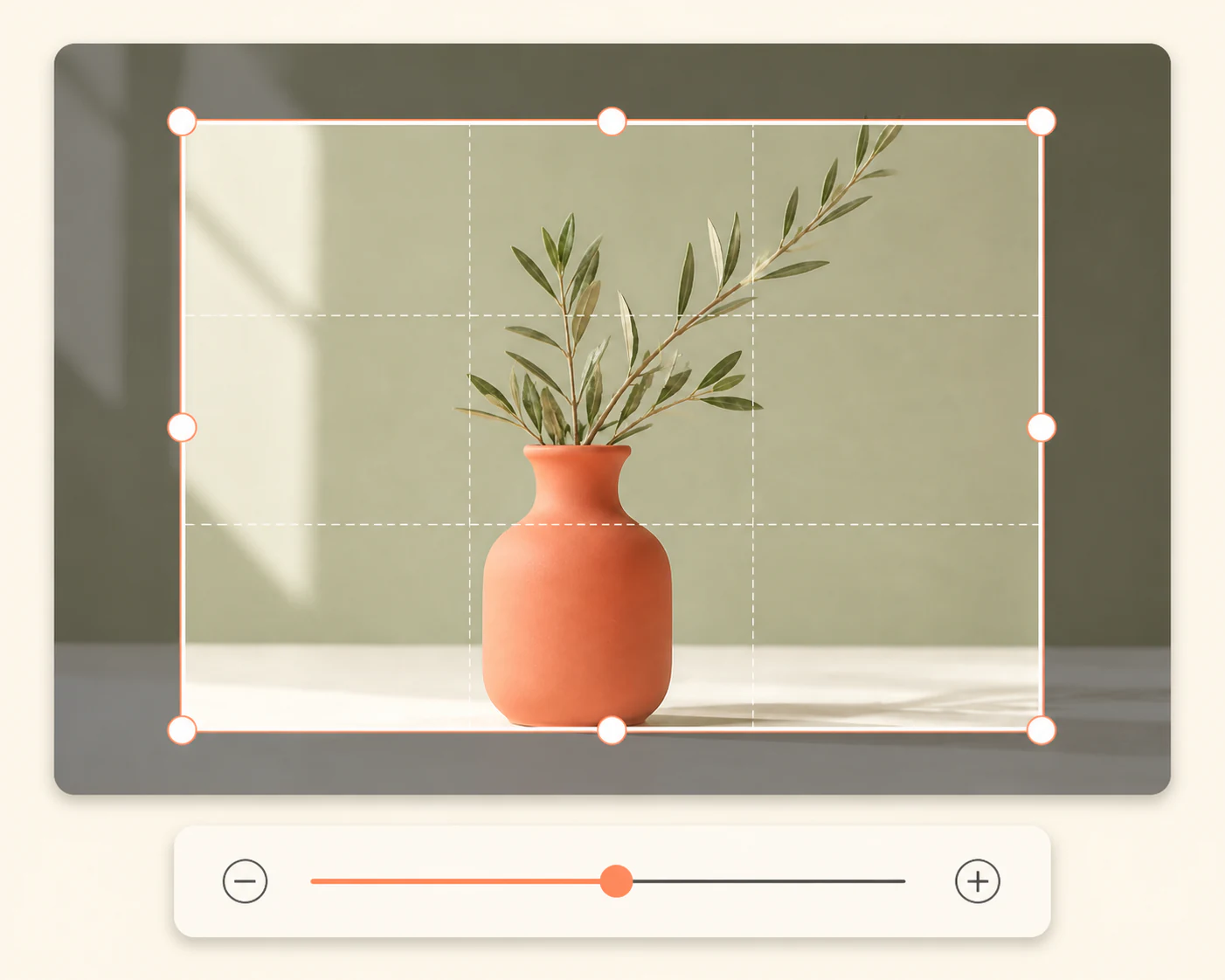
Start with a practical preset, or choose Custom when the final placement has its own dimensions.
Useful for avatars, product images, album artwork, thumbnails, and square social posts.
A taller feed-friendly shape for mobile-first content, people, products, and text-led posts.
A balanced portrait ratio for portraits, marketplace listings, editorial images, and photo layouts.
A dependable shape for website headers, presentation slides, video thumbnails, and landscape graphics.
A full-screen mobile format for stories, reels, shorts, mobile ads, and vertical creative.
Enter any width and height for a specific ad placement, website component, print layout, or client requirement.
Vizmuse is designed for quick edits without unnecessary upload steps. Your image remains on your device during editing and is processed locally in your browser.
A focused image aspect ratio changer for quick, controlled reframing.
Crop and export images without credits, a subscription, or an account.
Start with an image immediately and download the finished crop in the same session.
See exactly what remains in the selected ratio before you export.
Set the final width and height when a preset does not match your brief.
Choose JPG, PNG, or WebP and adjust quality for the destination.
Downloaded images stay clean for personal, commercial, and client work.
The browser updates the preview as you crop, move, and zoom.
Lock a ratio when you need a repeatable format across several images.
Use the tool that matches the next change you want to make.
Upload a photo, choose a preset or custom size, reframe the crop, and download a clean result without logging in or spending credits.
Change an Image Ratio