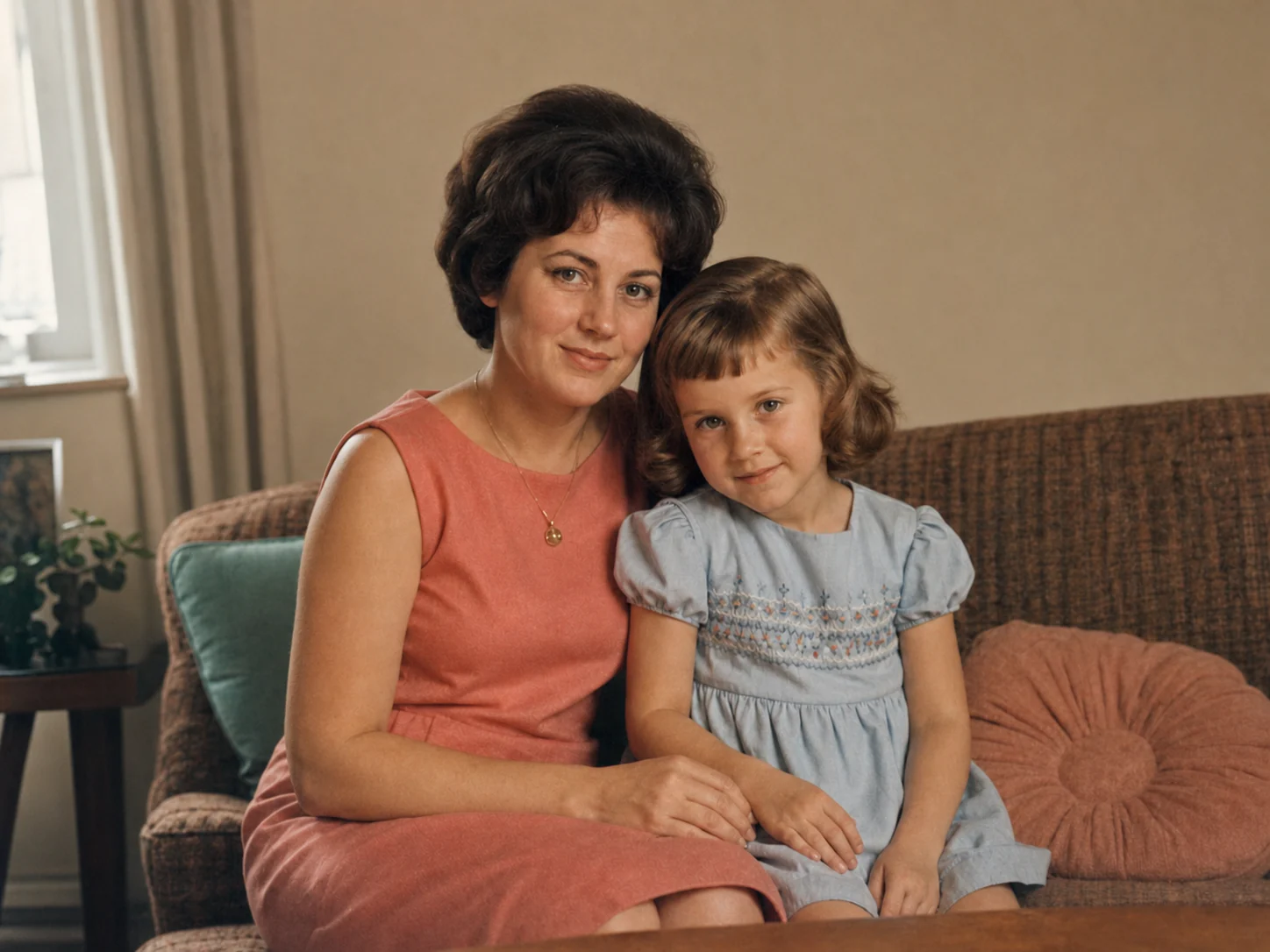
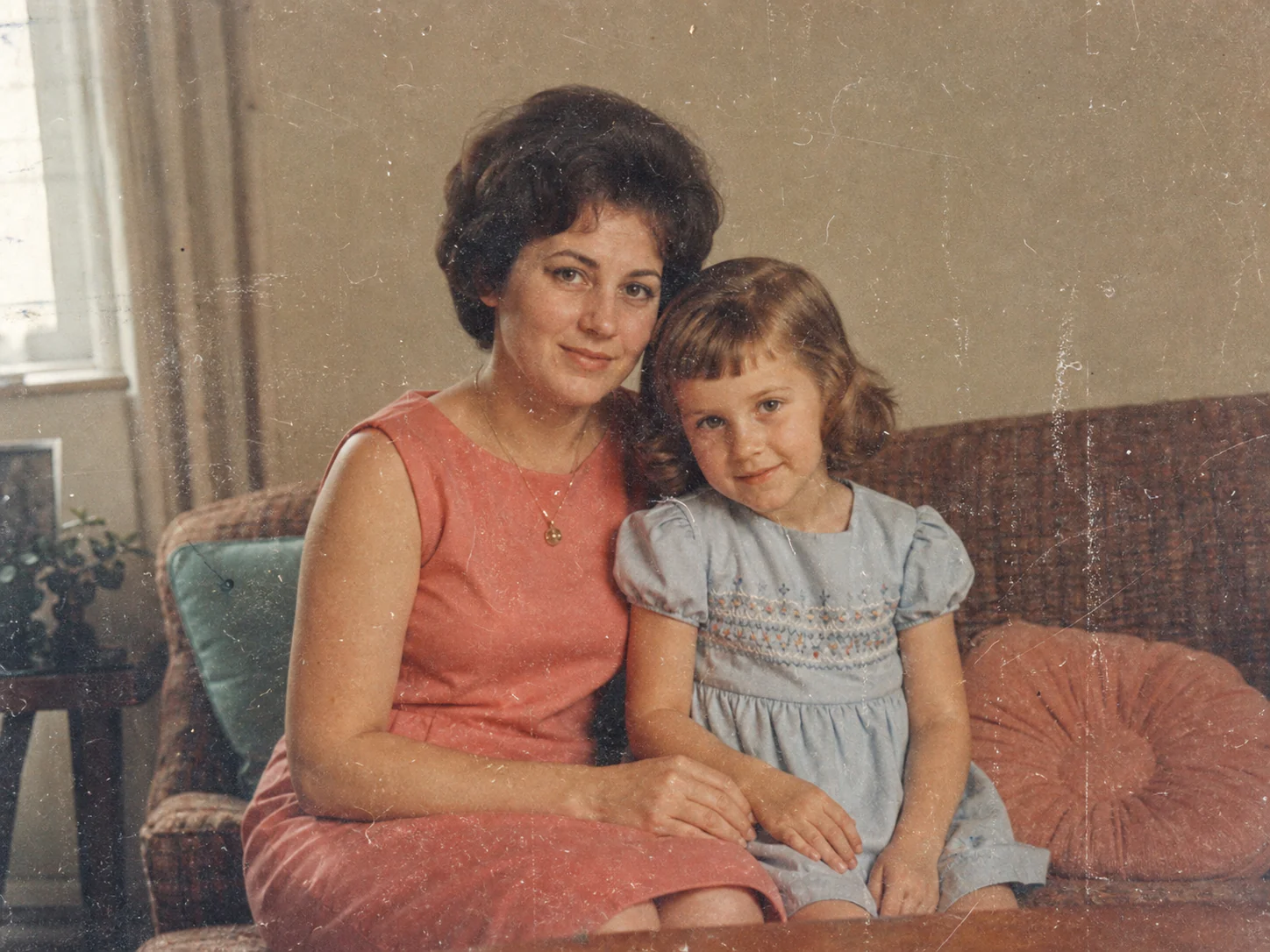
Scratched Family Portrait
🛑Before: A scanned family portrait with visible scratches and dust.
✨After: A cleaner portrait with reconstructed surface damage.
Please upload an image first.
Move your cursor over the preview to compare AI restoration in action, or pick a preset below.
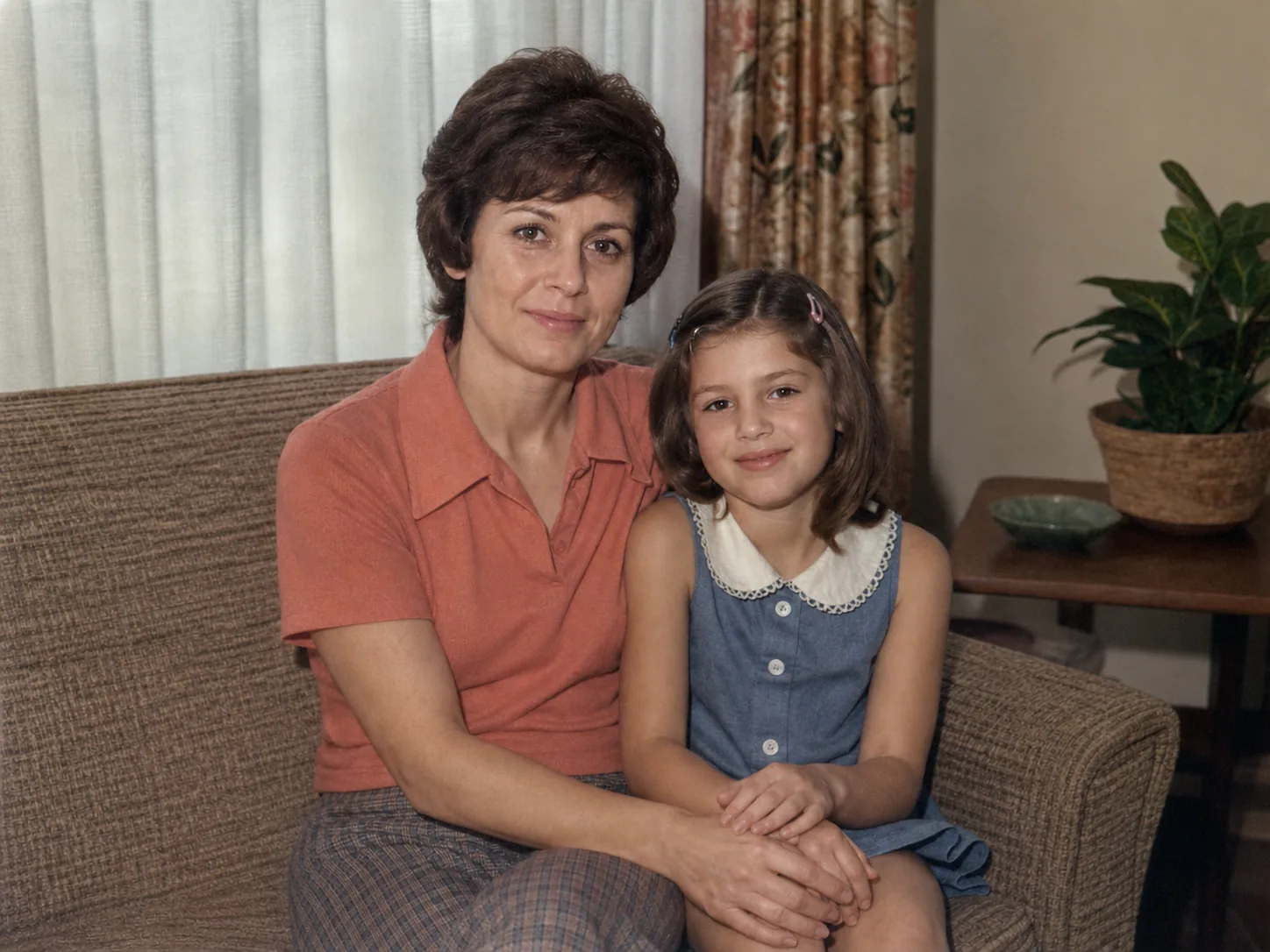 Restored After
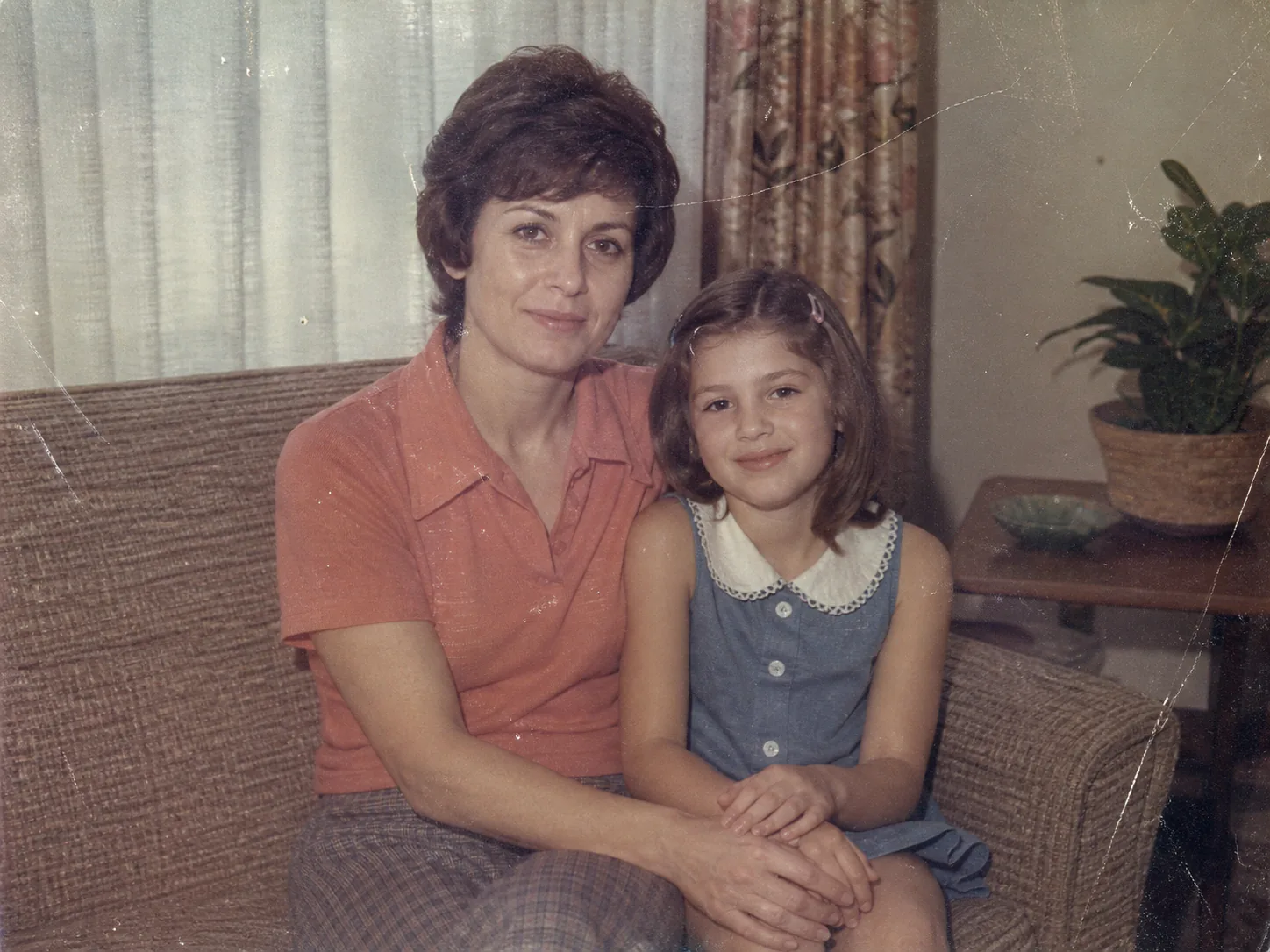 Original Before
Bring old, faded, scratched, or damaged photographs back into view with AI photo restoration.
Upload an old family photo, scanned print, vintage portrait, or damaged image and let Vizmuse repair visible damage, improve clarity, and reconstruct deteriorated areas in seconds.
Supports JPG, PNG, and WebP. Reconstructed areas can contain imperfect details, so compare the result with your original before downloading.
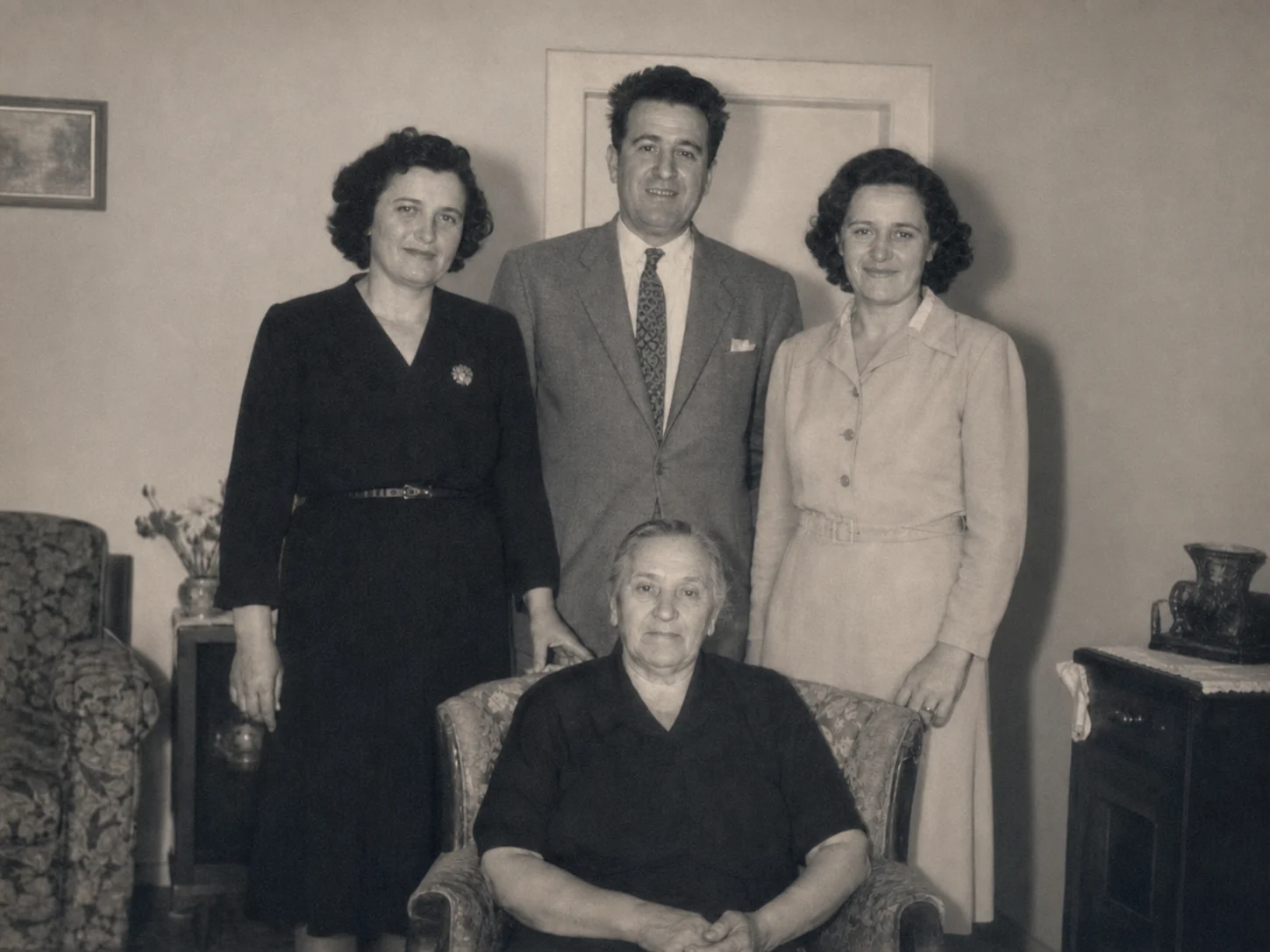
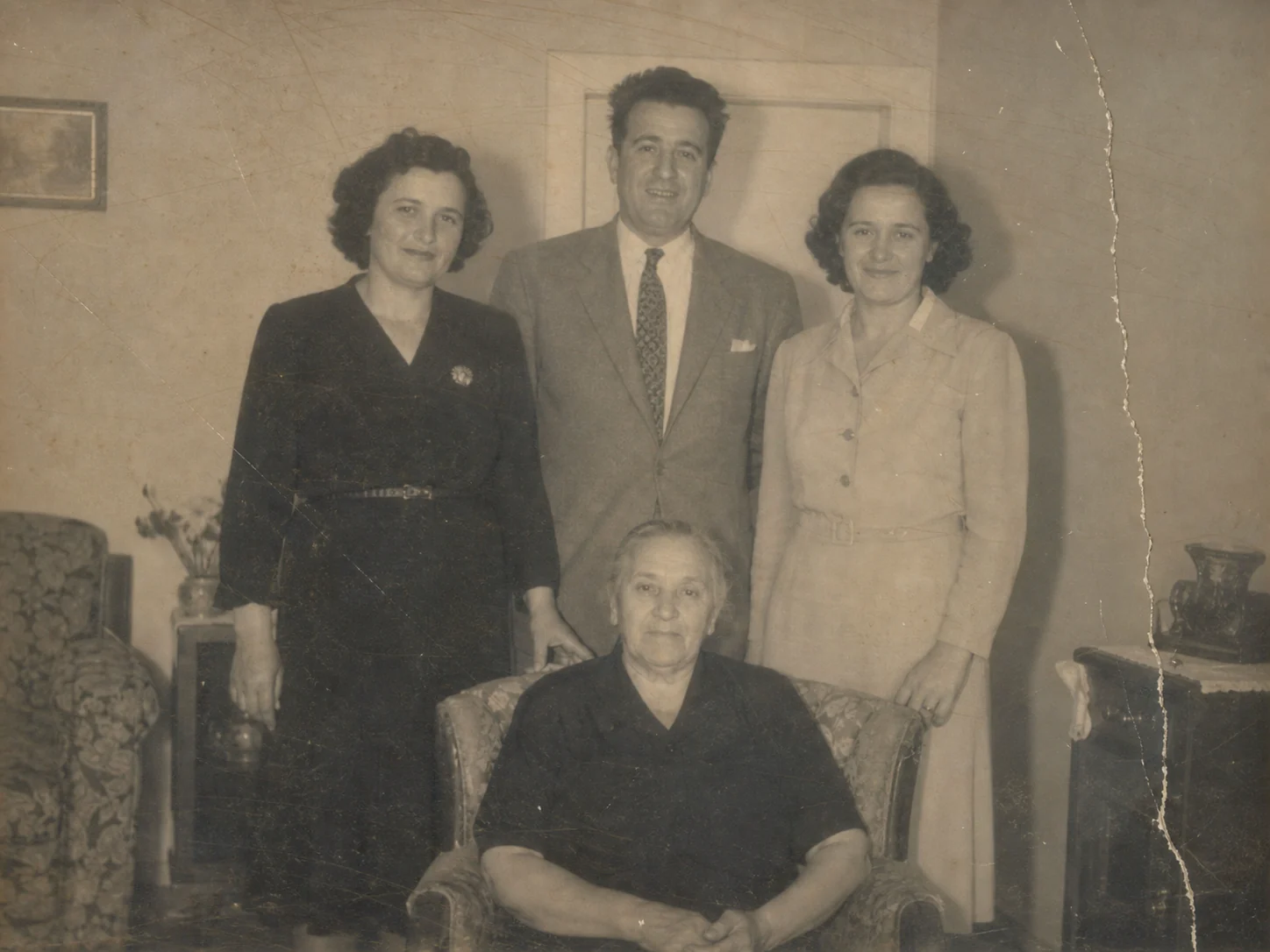
Old photographs can suffer from fading, scratches, dust, creases, blur, color shifts, and physical damage over time. Use the comparison to review the restoration carefully before downloading or continuing your edits.
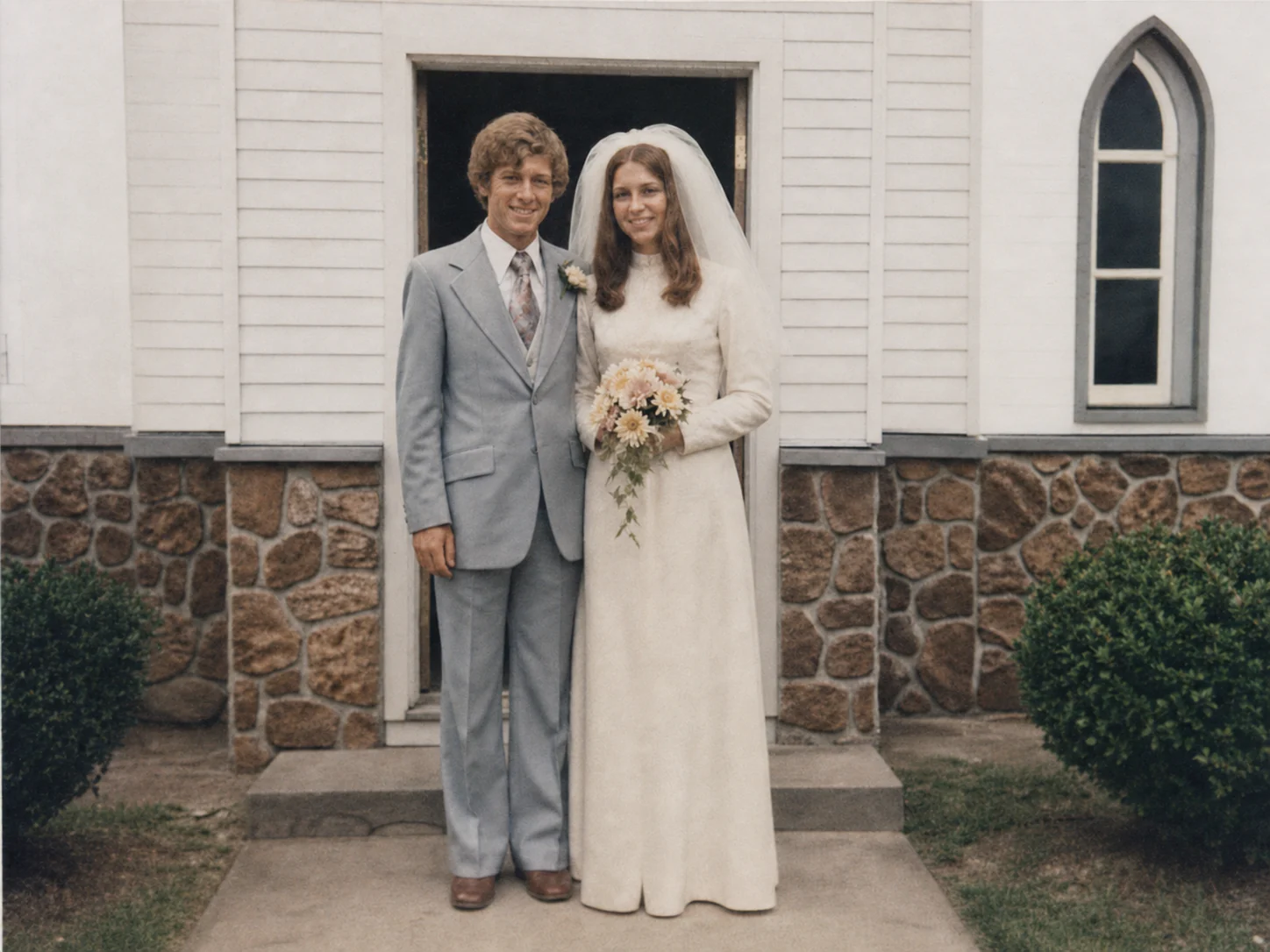
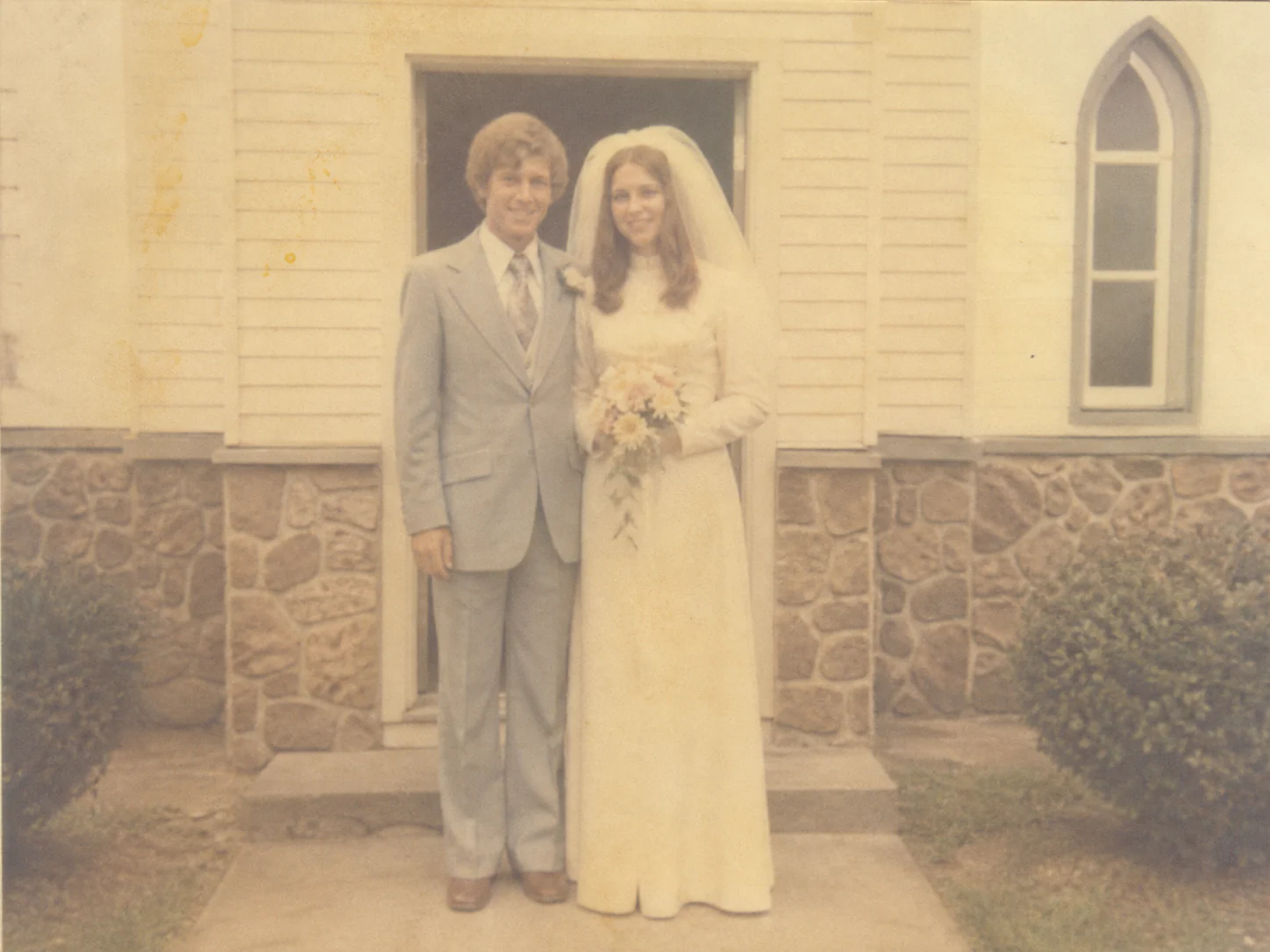
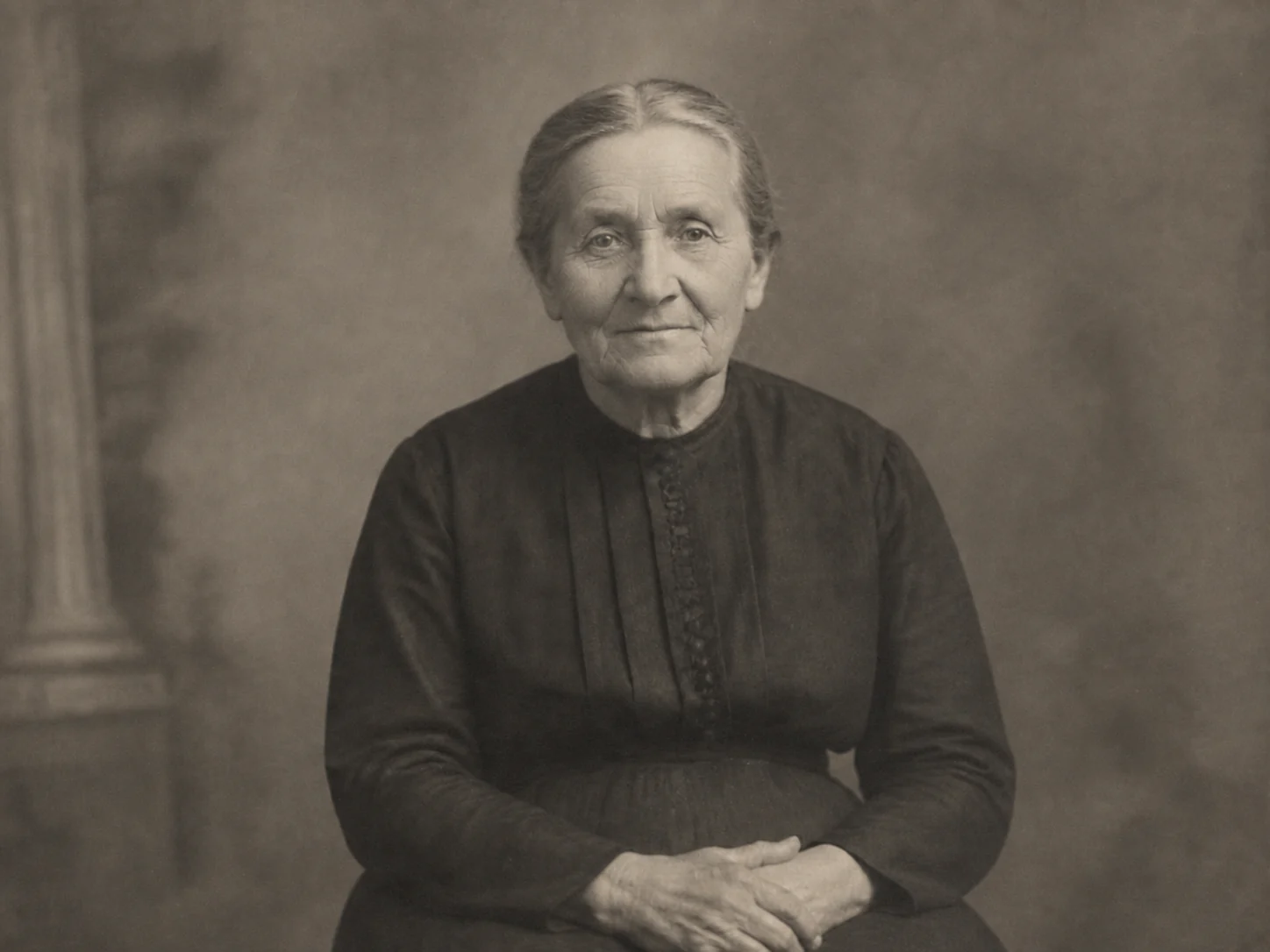
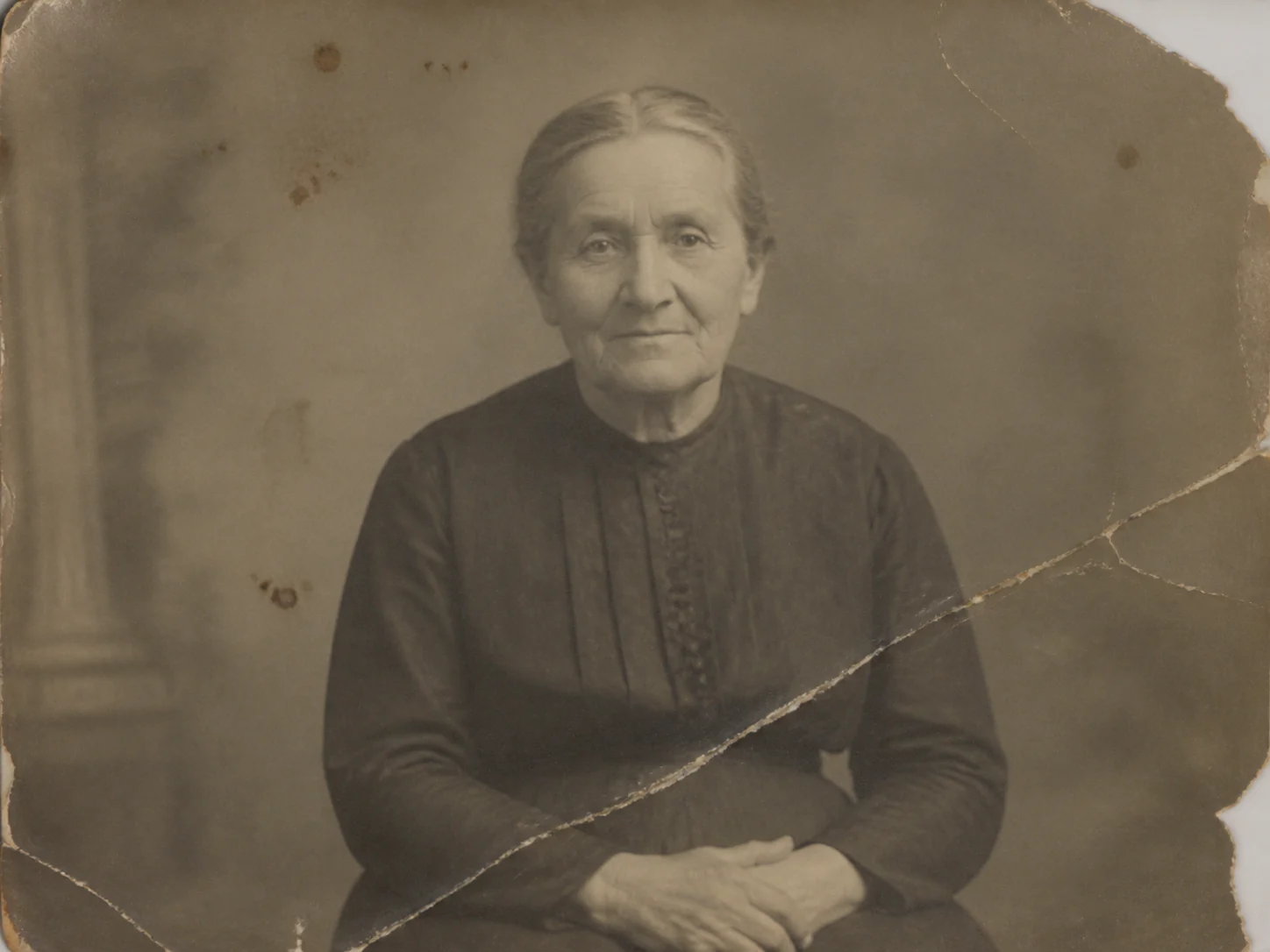
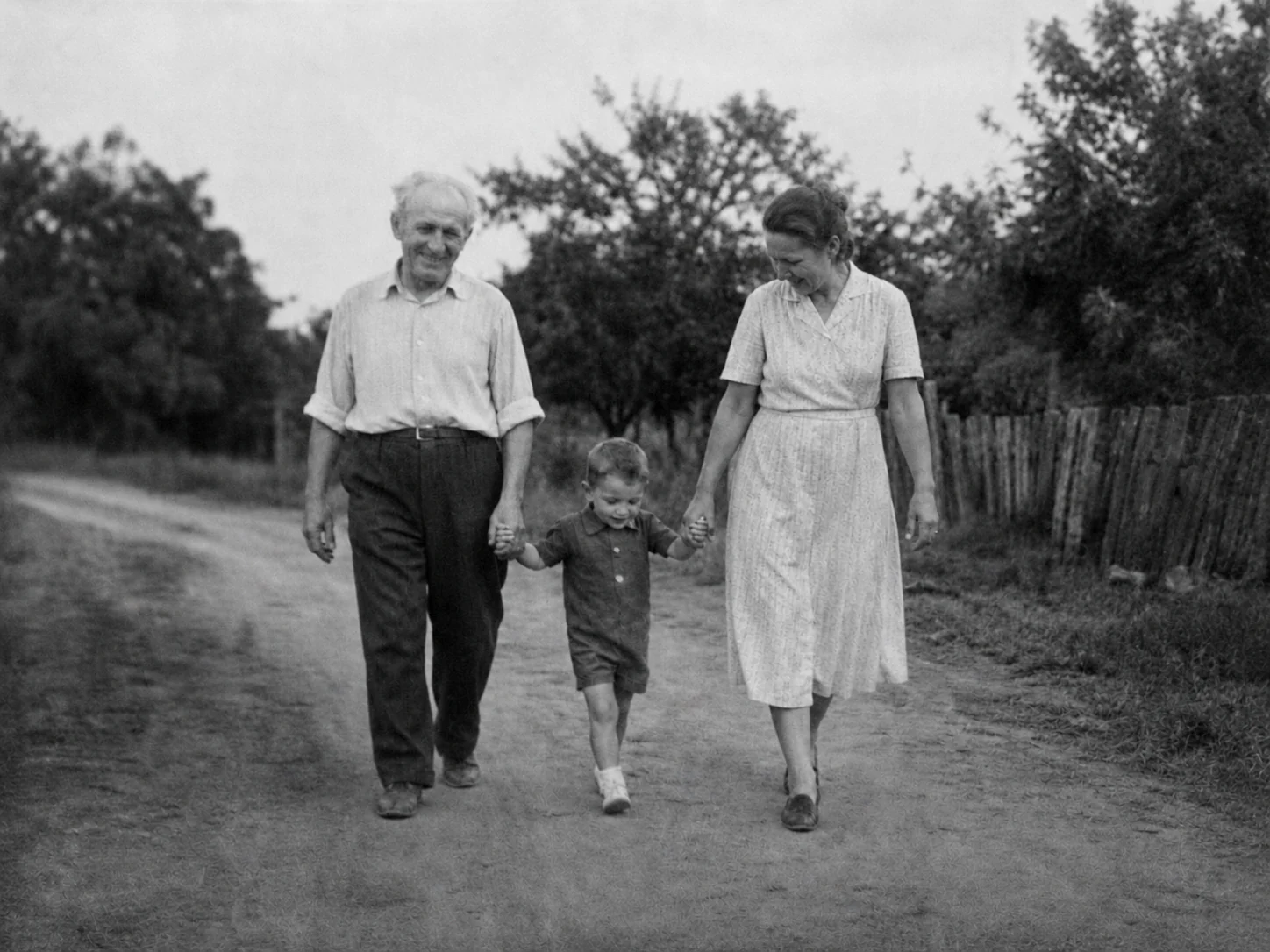
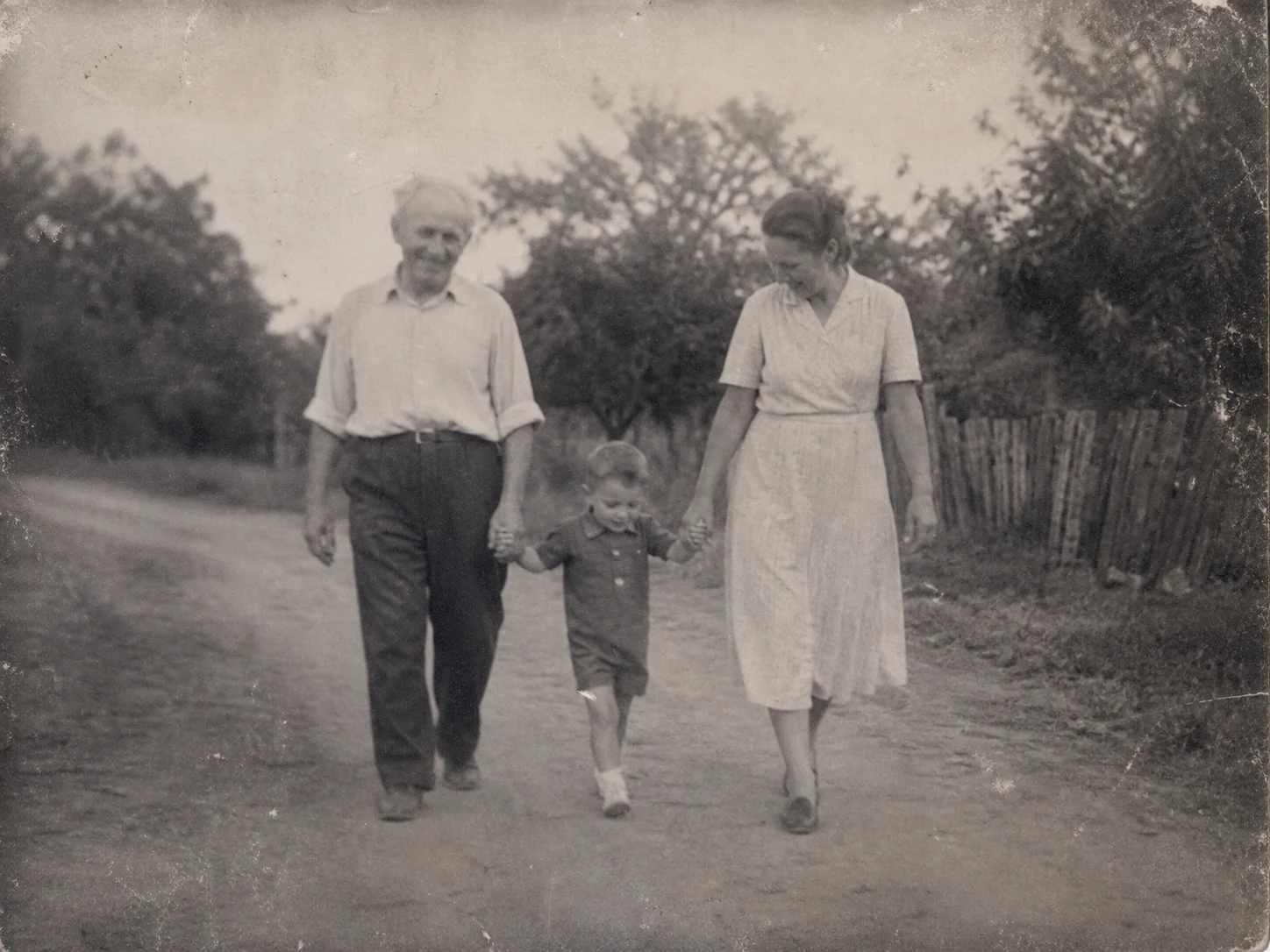
AI photo restoration focuses on visible age-related damage and the parts of an old photograph that need a careful review.
Reduce scratches, dust marks, spots, and other surface damage commonly found on scanned photographs and aged prints.
Restore fold lines, cracks, torn edges, and small missing areas by reconstructing them from the surrounding visual context.
Improve faded tones, weak contrast, yellowing, and color shifts so old photographs become clearer and easier to view.
Enhance visible facial features, clothing, textures, and background details in old scans that have become soft or unclear.
Repair childhood photographs, wedding pictures, portraits of parents or grandparents, and other family memories without manual retouching software.
Create a cleaner digital copy that is easier to save, share with family, add to an album, or continue editing.
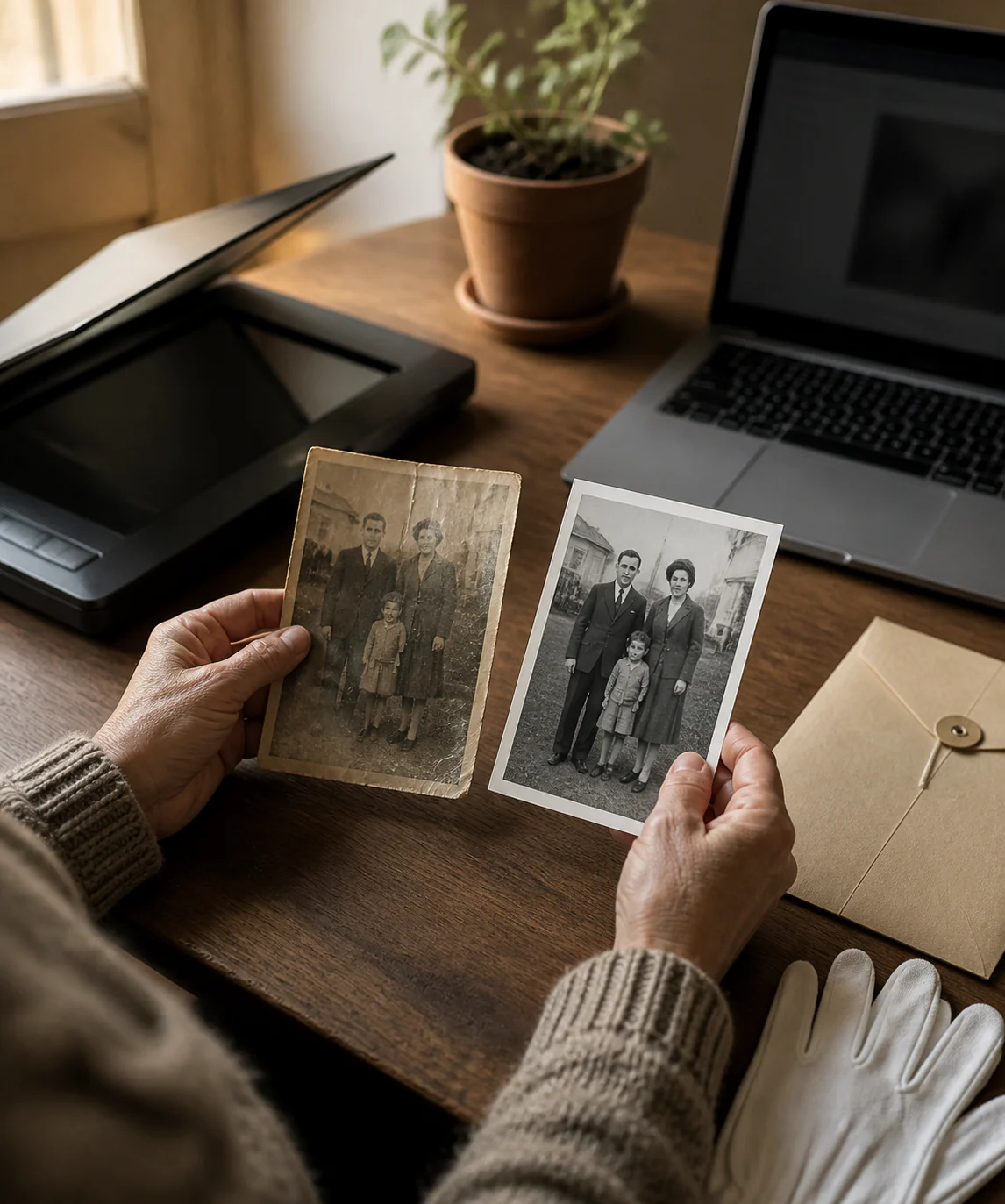
Choose a digitized photograph from your device. A high-quality scan usually provides the strongest starting point, but a clear photo taken with a phone can also work.
Vizmuse analyzes visible scratches, fading, blur, stains, and damaged areas, then repairs or reconstructs those regions and improves overall clarity.
Compare the restored version with your original. Continue editing with the Vizmuse AI Photo Editor if you want to make additional changes before downloading.
Traditional photo restoration may require masks, clone tools, healing brushes, color correction, sharpening, and hours of detailed manual work. AI changes the workflow by letting you upload the entire photograph and review a fast first restoration pass.
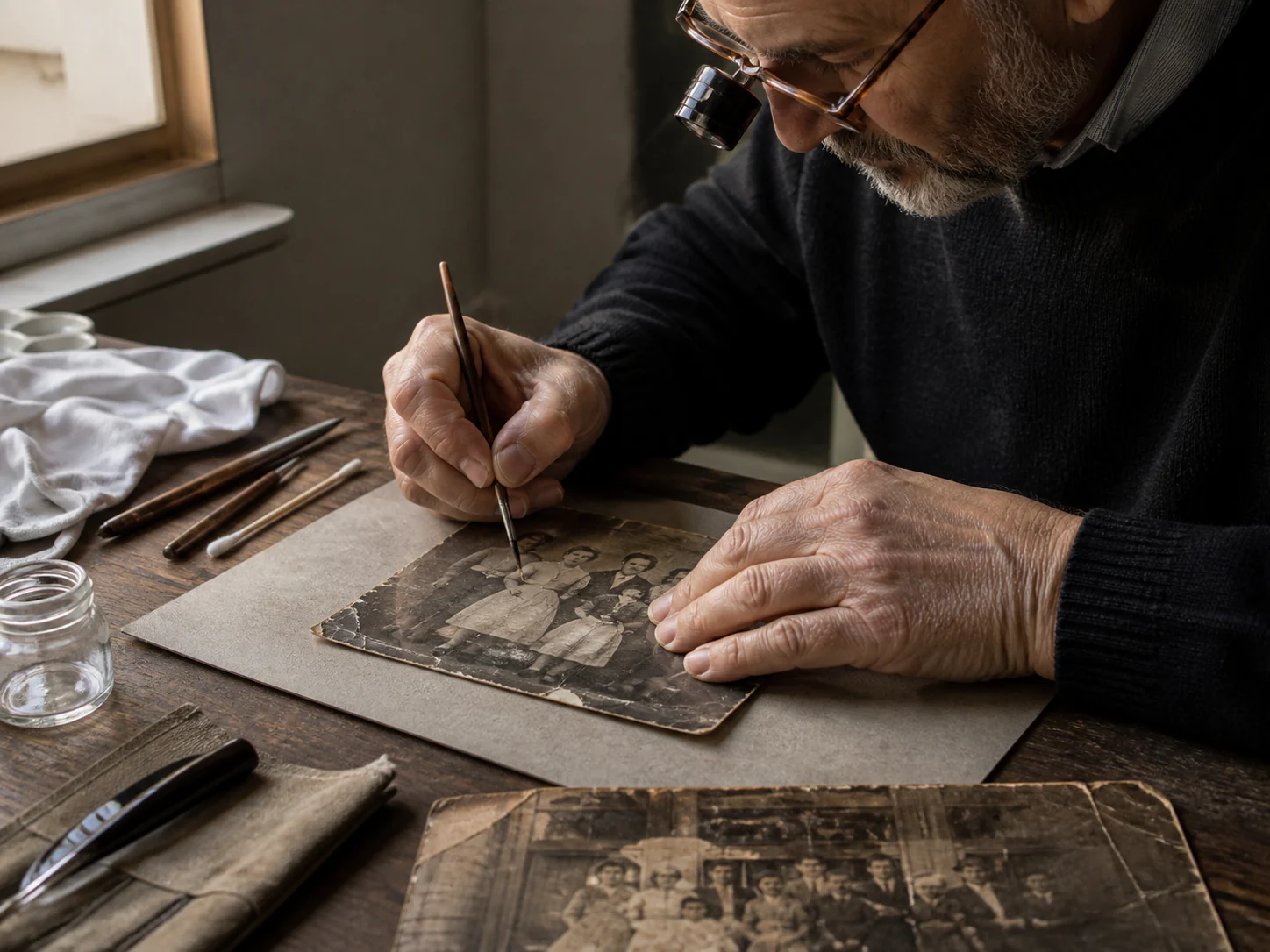
AI photo restoration is designed for age or physical damage, including scratches, creases, fading, stains, damaged edges, and missing areas. Photo enhancement focuses more broadly on sharpness, lighting, color, or resolution.
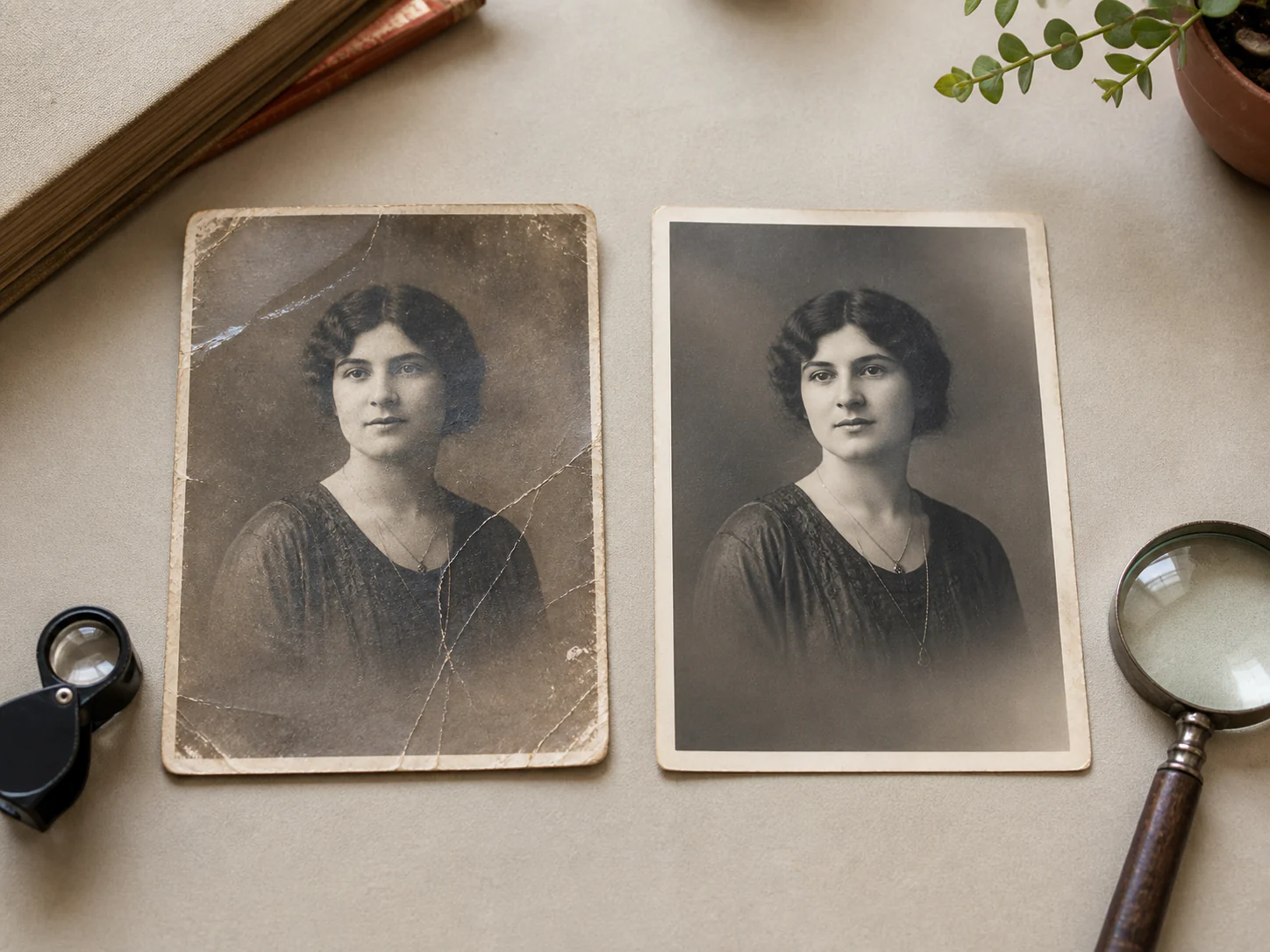
Start with the best digital copy available. If possible, scan the original photograph at a high resolution rather than using a compressed copy from social media. Keep the image flat and evenly lit when photographing a physical print, and avoid glare, reflections, strong shadows, or shooting at an angle.
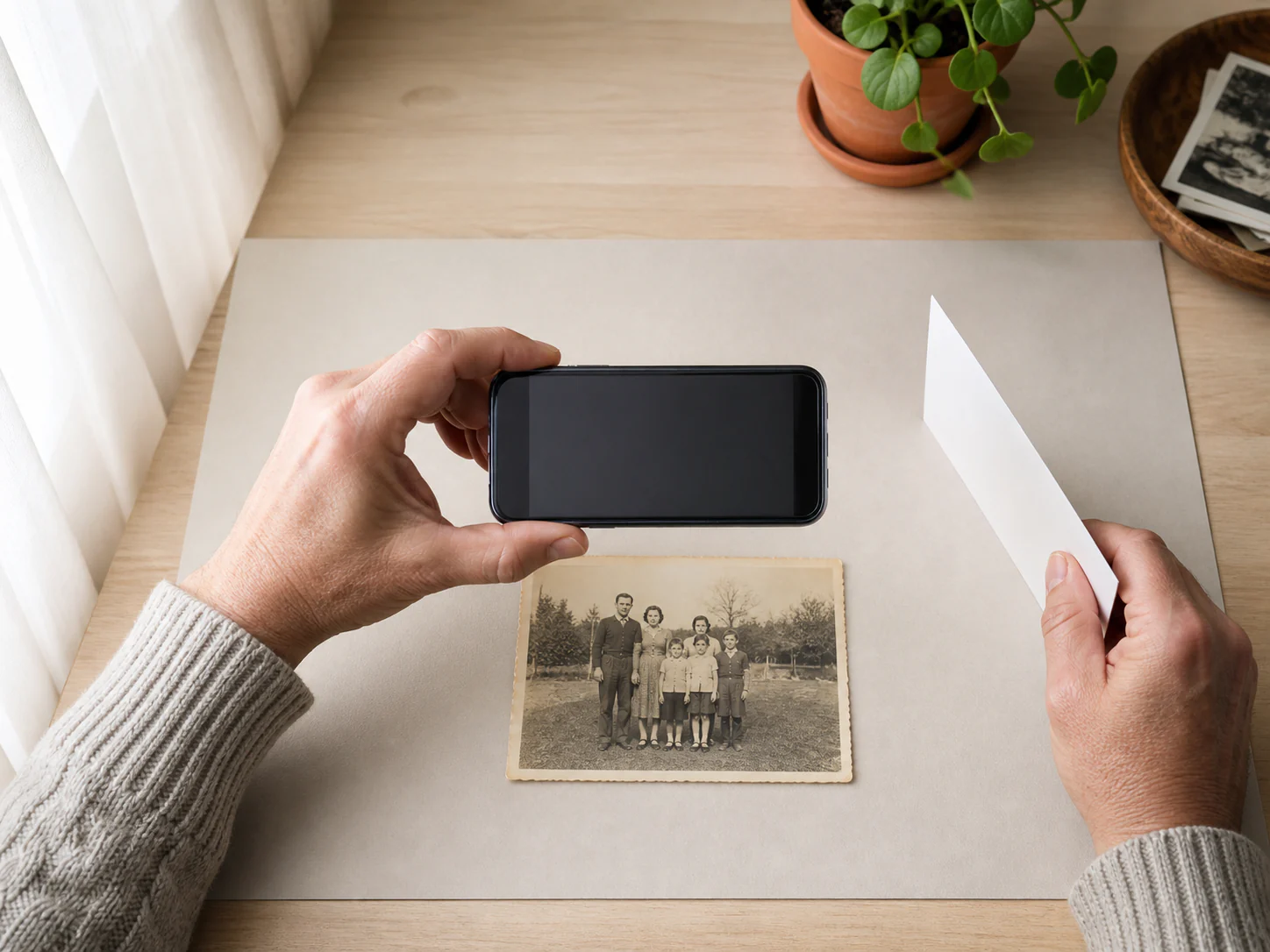
Restore an old image first, then continue editing or create a new visual from a reference.
Upload one old photo, compare the restoration, refine the result if necessary, and keep the original safely preserved.
Restore an Old Photo